
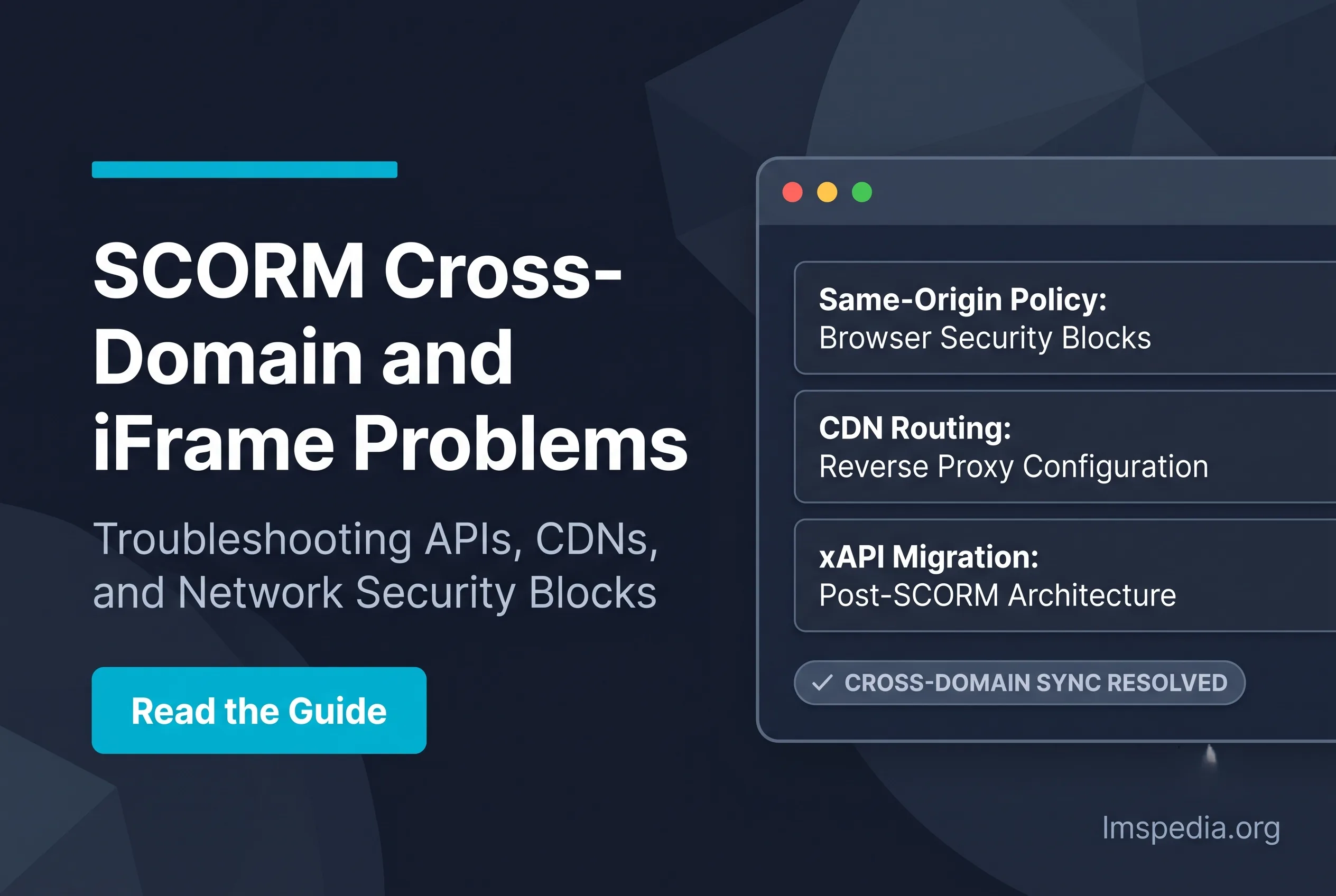
SCORM Cross-Domain and iFrame Problems: Causes and Working Fixes
Deploying digital training frustrates software administrators globally. Technical developers frequently encounter severe content integration roadblocks. The dreaded SCORM cross-domain error halts vital corporate education. Developers created these legacy standards long before modern browser security protocols existed. These older eLearning courses constantly clash with modern web browsers.
Understanding these technical conflicts remains essential for administrators. Ignoring architectural issues guarantees massive data loss and angry learners. In this guide, we explore why these errors happen. Furthermore, we provide reliable technical fixes for system administrators. To review related tracking failures, explore our guide on why SCORM courses do not mark complete. Furthermore, enterprise buyers should cross-reference vendor capabilities against a comprehensive benchmark of core training management system features to avoid functional limitations.
Security Policies Block Tracking: Modern web browsers strictly enforce the rigid Same-Origin Policy. This essential security feature actively prevents malicious scripts from stealing data but inadvertently blocks legitimate tracking scripts when courses and platforms reside on different domains. The API Not Found Error: When a course launches, it aggressively scans the browser window for a specific API adapter. If the course is isolated inside an iFrame on a completely separate domain, the scan entirely fails, instantly triggering this famous error. CDNs Cause Architectural Friction: Hosting massive video courses on a separate Content Delivery Network dramatically improves loading speeds for remote users. However, this perfectly triggers a cross-origin mismatch, totally severing the vital connection to the central database. Reverse Proxies Provide the Fix: By strategically routing all incoming learner traffic through a centralized NGINX or Apache proxy server, IT administrators successfully trick the browser into believing all remote files originate securely from a single unified domain. xAPI Offers a Permanent Solution: Unlike fragile older standards, the modern Experience API completely bypasses iFrame tracking totally natively. It securely utilizes standardized HTTP requests to flawlessly send tracking data to entirely separate external domains without triggering browser security blocks.
Key Takeaways

Understanding the SCORM API Communication Architecture
The standard relies on specific web technologies. It requires a seamless JavaScript connection between two entities. First, the digital course package locates the host platform dynamically. Next, the platform provides a specialized tracking API object immediately. This bidirectional communication records student progress automatically.
Any disruption to this communication channel destroys the course. The course cannot send quiz scores or completion statuses. This architectural fragility represents the biggest weakness of legacy eLearning frameworks.
The Role of the LMS API Adapter
Every Learning Management System injects an API adapter. This hidden adapter resides within the active browser window. When a new course launches, it searches for this adapter. The course utilizes specific JavaScript commands to initiate contact.
Older courses use the standard LMSInitialize command to begin tracking. This connection must remain unbroken during the entire session. If users lose internet access, the connection breaks completely. The system loses all recorded progress instantly.
The Root Cause of a SCORM Cross-Domain Error
Complex web security dictates modern eLearning functionality. Modern web browsers prioritize strict user data protection above everything else. Browsers actively prevent malicious websites from stealing sensitive personal information. Developers must understand these security rules deeply.
These exact security rules create the massive cross-domain roadblock. Your secure browser actively flags the training course as an unauthorized external script. Official technical specifications from organizations like the Advanced Distributed Learning Initiative document these legacy communication boundaries.
Check Domain Origins Early
Always inspect your browser console for Same-Origin policy violations before blaming course authoring packages. Domain mismatches cause immediate API discovery failures.
Web Security and the Same-Origin Policy
Modern browsers enforce the rigid Same-Origin Policy universally. This policy limits how distinct websites interact digitally. A script hosted on domain A cannot access domain B. The browser blocks unauthorized cross-domain data transfers.
This block happens instantly without warning users. For detailed technical guidance, consult the MDN Web Docs on Same-Origin Policy. This effective protocol protects users from dangerous cross-site scripting attacks.
Identifying the API Not Found SCORM Error
Corporate administrators deploy massive courses across separate web servers. The LMS database lives on one unique domain URL. Meanwhile, actual course files reside on a completely different domain. The Same-Origin Policy physically separates the course from the LMS.
The course JavaScript cannot find the required tracking API. This architectural mismatch triggers the frustrating API not found SCORM error. The course alerts users that tracking is impossible.
Analyzing SCORM iFrame Issues in Modern Browsers
Modern corporate learning platforms utilize specialized iFrame architecture globally. An iFrame embeds external visual content directly within a host page. This provides a unified visual experience for learners. However, this structural approach generates technical tracking complications.
Resolving SCORM iFrame issues requires deep technical intervention. Administrators must manipulate how browsers handle embedded windows. Furthermore, managing user access controls securely requires proper LMS user roles and permissions.
Third-Party Cookie Restrictions and SCORM
Aggressive third-party cookie blocking destroys legacy tracking functionality. Secure browsers block cross-site tracking cookies by default. If your digital LMS uses cookies to maintain session states, tracking fails.
Learners complete entire modules but receive zero official credit. To explore better tracking methods, review our guide detailing SCORM vs xAPI. Migrating away from cookies guarantees long-term tracking stability.
Navigating SCORM CDN Hosting Problems
Global enterprise organizations host training on distributed networks. This strategy improves course loading speeds for remote employees. This architectural choice introduces severe SCORM CDN hosting problems.
Heavy video-based courses overwhelm standard corporate web servers instantly. Simultaneous employee access causes crippling server lag. Smart organizations host heavy files on dedicated Content Delivery Networks. Remote workers download massive videos from local servers. This geographic digital routing provides smooth video playback.
The CDN operates on a different domain address. Your platform lives at lms.company.com, while course files live at cdn.aws.com. This network mismatch triggers the Same-Origin Policy. Administrators face a choice between course speed and tracking capability.
Working Fixes for Cross-Origin SCORM Content
Standard LMS configurations cannot override modern browser security protocols. Smart organizations deploy specialized digital network routing solutions. Implementing effective fixes demands massive IT collaboration.
A technical reverse proxy remains a reliable enterprise workaround. A reverse proxy sits between learners and corporate servers. It masks distinct differing domains from the strict web browser.
System administrators configure secure NGINX or Apache servers to handle routing. The proxy server intercepts incoming learner requests. It fetches the LMS interface and remote CDN course files invisibly. It combines them under one corporate domain name. The API discovery script succeeds without hitting security blocks.
Commercial software vendors sell dedicated digital dispatch tools. These tools act as secure middlemen between your systems. Commercial pioneers like Rustici Software provide robust dispatch frameworks. You upload courses to a secure dispatch server and place a proxy shell on your primary LMS.
Transitioning to Modern xAPI Standards
The permanent solution involves abandoning outdated legacy frameworks entirely. The modern Experience API solves strict cross-domain limitations natively. This standard does not rely on fragile browser frames or hidden APIs.
It sends secure HTTP requests directly to a separate Learning Record Store. To upgrade corporate training infrastructure, review our guide covering LMS for compliance training and audit evidence. Additionally, enterprise software strategies evaluated by analysts at Gartner reinforce platform modernization criteria. Furthermore, platform flexibility can be compared using insights from Open LMS vs Totara Learn.
| Platform / Solution | Primary Focus | Cross-Domain Architecture Strength |
| SimpliTrain | Versatile training operations and compliance tracking. | Excels at flexible API connections, providing customizable architecture designed to prevent iframe limitations. |
| Docebo | Global enterprise learning and heavy AI content delivery. | Utilizes centralized cloud hosting designed to eliminate cross-origin resource tracking errors. |
| TalentLMS | Accessible, cloud-based rapid corporate training. | Offers a simplified hosting environment ensuring legacy content tracking remains consistent. |
Conclusion
Defeating technical cross-domain errors requires intense architectural knowledge. Administrators must understand that strict modern web browser security causes these failures. Organizations must map out where heavy course files live globally. Adding basic CORS headers fails to track older legacy training courses. Implementing robust reverse proxies or utilizing commercial dispatch tools restores broken functionality. Migrating away from fragile legacy standards guarantees uninterrupted future corporate training success.
FAQ
Q1. What exactly causes a SCORM cross-domain error?
Fundamentally, this highly frustrating error occurs exclusively when your digital course files and your central Learning Management System live on totally different web domains. Specifically, modern web browsers heavily utilize the strict Same-Origin Policy to block scripts from communicating across different URLs. Consequently, the tracking script inside your course absolutely cannot reach the necessary database adapter, entirely preventing successful score tracking.
Q2. Why does my course work perfectly on a local desktop but fail on the LMS?
Crucially, running a digital course directly off your local computer hard drive completely bypasses all modern web server security protocols. Specifically, your local machine does not enforce the rigid Same-Origin Policy for offline, localized files. However, the absolute second you upload those exact same files to a distributed server, strict network security rules activate immediately, suddenly blocking the tracking connection entirely.
Q3. Can I simply fix this issue by completely updating my old course to SCORM 2004?
Unfortunately, simply updating the exact standard version will absolutely never resolve a structural network architecture conflict. Specifically, both the 1.2 version and the 2004 version heavily rely entirely on the exact same fragile JavaScript DOM scanning methodology. Therefore, if the web browser actively blocks cross-frame communication entirely, absolutely both versions will crash violently and completely fail to track.
Q4. How does a commercial dispatcher tool successfully fix cross-domain tracking?
Essentially, a powerful commercial dispatcher acts perfectly as a highly secure, completely intelligent invisible digital middleman. Specifically, you heavily upload your massive actual course directly to the dispatcher server, and seamlessly upload a tiny proxy file to your LMS. Consequently, the tiny proxy file communicates flawlessly with the LMS on the same domain, while securely tunneling data from the remote dispatcher perfectly.
Q5. Is moving to xAPI the best way to permanently avoid iFrame issues?
Absolutely, totally migrating away from legacy standards completely represents the absolute best long-term architectural corporate strategy. Specifically, the modern Experience API was actively explicitly designed entirely to perfectly survive in a highly distributed, totally modern web environment. Consequently, it completely securely sends heavily encrypted data packets directly across distinct domains safely, completely totally eliminating the desperate need for highly fragile hidden browser API adapters.

