
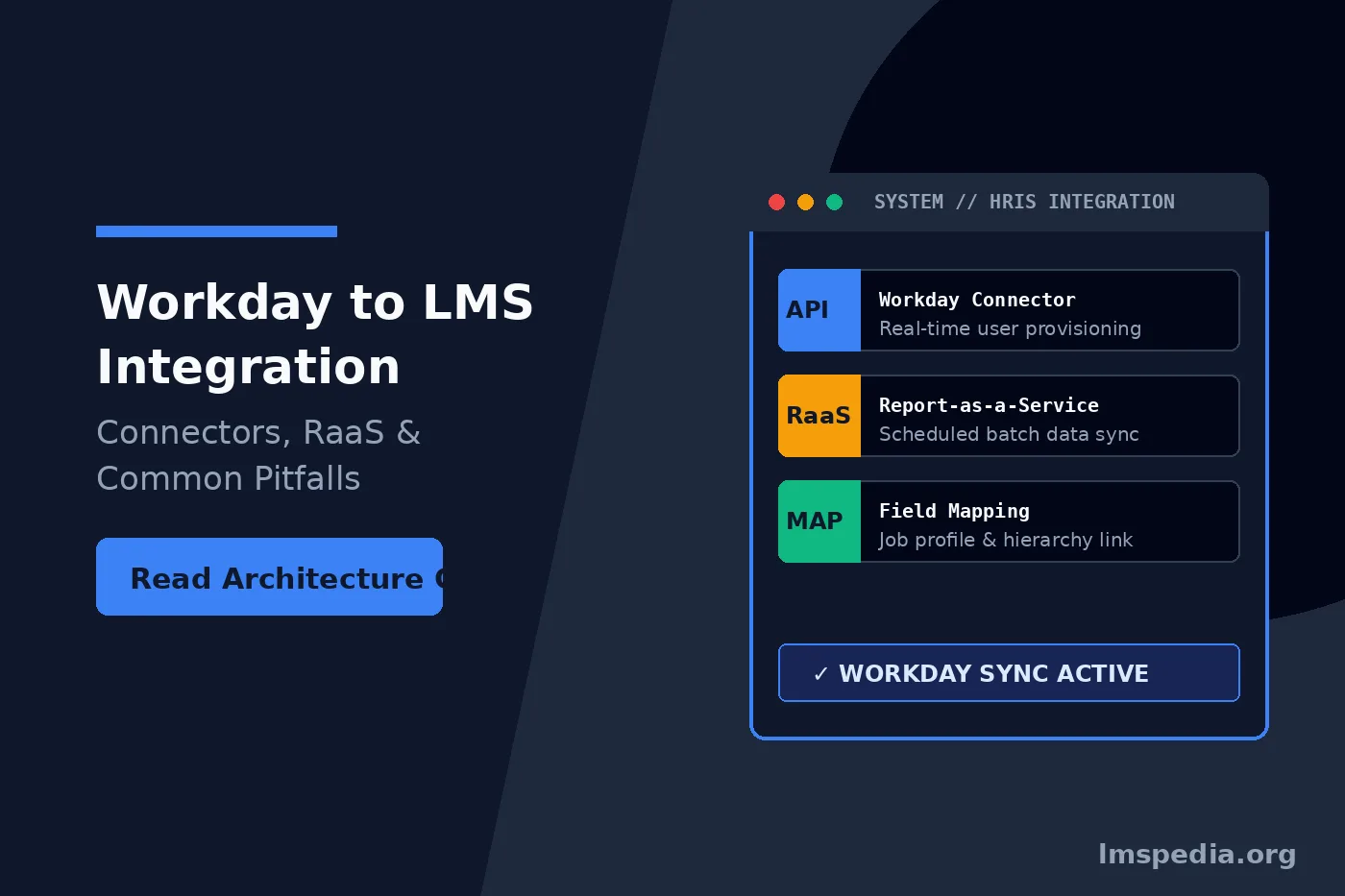
Workday LMS Integration: Architectural Models, RaaS, and Data Mapping
Modern enterprises treat Workday as the ultimate source of truth for human resources data. Therefore, integrating Workday with your Learning Management System (LMS) is absolutely critical for operational efficiency. Without a seamless workday lms integration, HR teams waste countless hours manually uploading CSV files. Furthermore, manual data entry causes severe compliance risks, delayed employee onboarding, and broken learning assignments. When your systems cannot communicate natively, your training department operates completely in the dark. Modern learning operations require robust digital environments to succeed. Therefore, leaders must audit their technical architecture continuously.
Building a robust workday learning integration requires understanding specific technical architectures. Organizations generally choose between flat-file transfers, custom Reports-as-a-Service endpoints, or middleware-driven API connectors. Each integration method carries distinct advantages and specific technical limitations. In this comprehensive technical guide, we break down core architectural models. Moreover, we examine essential data mapping strategies and highlight common pitfalls disrupting automated training operations. Additionally, enterprise buyers should cross-reference vendor capabilities against a comprehensive benchmark of core training management system features to avoid functional integration gaps.
Key Takeaways

Unidirectional Data Flow:
Workday serves as the absolute master system of record. Data must flow from Workday into the LMS. The LMS should never push profile attribute updates back into Workday.
RaaS for Scheduled Batches:
Utilizing a Workday Reports-as-a-Service (RaaS) endpoint is highly reliable and cost-effective for daily batch synchronization, making it ideal for standard employee updates.
APIs for Real-Time Needs:
When organizations require immediate account suspensions or real-time onboarding access, they must utilize Workday Web Services (WWS) API connectors, often paired with an iPaaS middleware.
Precise Field Mapping:
Successful automated training enrollment depends entirely on accurately mapping Workday fields (like Job Profile and Supervisory Organization) to their exact counterparts in the LMS.
Filter Future-Dated Actions:
Integration queries must explicitly exclude future-dated HR transactions to prevent the LMS from sending system notifications or course assignments to employees before their official start dates.
The Foundation of Workday HCM Training Sync
Establishing Data Governance and Master Systems
Before writing a single line of code, IT teams must establish clear data governance rules. In any standard workday hcm training sync, Workday must remain the absolute master system of record. Consequently, data flows in a unidirectional path from Workday to the LMS. The LMS never pushes user profile updates back into Workday. Instead, it merely consumes demographic data to automate course enrollments and manage platform access.
Automating Role-Based Provisioning
When an HR administrator creates a new employee profile in Workday, the integration architecture detects this creation event. Subsequently, the system transmits a structured data payload to the LMS. The LMS reads this payload, provisions a new user account, and assigns mandatory training based on the employee job profile. To structure these downstream access levels properly, system administrators should consult best practices on architecting clear LMS user roles and permissions. Furthermore, leveraging enterprise platforms documented by market analysts at Gartner helps validate broader HRIS integration strategies.
Method 1: Workday Reports-as-a-Service (RaaS)
How RaaS Integrations Function
For many organizations, the easiest integration method involves utilizing a workday raas report. Official software architecture details published by Workday explain how administrators build custom reports containing specific employee data fields. Next, Workday exposes these custom reports as secure web services. Consequently, external applications call these endpoints via REST or SOAP protocols to pull data in JSON or XML formats.
Batch Processing and Scheduled Pulls
First, a report writer builds a custom report based on the Worker business object. They select required fields like Employee ID, First Name, Last Name, Email, and Supervisory Organization. Second, they enable the report as a web service. Third, the LMS runs a scheduled script. This script authenticates with Workday, calls the RaaS endpoint, and downloads the latest report data.
Finally, the LMS compares new data against its existing database. It creates new users, updates changed attributes, and deactivates terminated employees. RaaS provides a highly reliable, batch-processing architecture. However, because it relies on scheduled pulls, it does not provide instant updates.
Optimize Batch Schedules
First, schedule your nightly RaaS batch sync during off-peak operational hours. This reduces server load on both Workday and your learning management system.
Method 2: API and Workday Connector LMS Models
Real-Time Event-Driven Architecture
Organizations requiring real-time data synchronization must utilize the Workday Web Services API. Instead of waiting for a nightly batch report, an API-driven workday connector lms listens for specific triggering events. When an employee transfers to a new department, Workday fires an immediate outbound message.
Middleware and Integration Platforms (iPaaS)
Direct point-to-point API connections often become fragile over time. Therefore, enterprise IT architectures usually introduce an Integration Platform as a Service. Platforms like MuleSoft or Workato sit directly between Workday and the LMS.
The middleware actively manages the connection. First, it receives raw data from Workday. Next, it transforms data into the exact format required by the LMS API. Finally, it pushes data into the learning platform. If the LMS server goes down temporarily, middleware queues messages. Consequently, no user data gets lost during outages. For organizations evaluating complex enterprise platforms supporting advanced API architectures, reviewing comparisons like Open LMS vs Totara Learn clarifies technical capabilities.
Essential Data Mapping Fields
Translating HR Terminology into Learning Attributes
A successful integration depends entirely on precise data mapping. You must translate Workday terminology into LMS terminology accurately. If you map the wrong Workday field to the LMS department attribute, automated training assignments fail completely.
| Workday Field (Source) | LMS Field (Destination) | Strategic Purpose in the LMS |
|---|---|---|
| SimpliTrain | Automated user synchronization and role mapping. | Seamlessly connects HRIS profiles with enterprise learning schedules. |
| Worker ID | Unique User ID / Username | Acts as the primary key. It prevents duplicate account creation if an employee changes their name. |
| Primary Work Email | Email Address | Required for system notifications, password resets, and calendar invites. |
| Job Profile | Job Title / Role | Drives automated enrollment. For example, all forklift operators receive safety training instantly. |
Before finalizing this mapping exercise, training departments must conduct a thorough internal review. Utilizing modern training needs assessment tools helps organizations identify exactly which demographic fields are necessary to drive specific learning outcomes.
Automating Identity Management and SCIM
Centralized Provisioning Protocols
Modern integrations increasingly rely on specialized identity management protocols. System for Cross-domain Identity Management (SCIM) represents the gold standard for automated user provisioning. While Workday holds HR data, centralized identity providers often act as traffic cops.
In a SCIM-based architecture, Workday updates the central corporate directory first. Subsequently, corporate directories use SCIM to push updates instantly into the LMS. This standardized protocol drastically reduces custom API coding. Furthermore, it ensures unparalleled security regarding user access. To understand how this underlying identity framework functions, review this comprehensive guide detailing what SCIM is and how it powers identity security. Additionally, cryptographic security guidelines from the National Institute of Standards and Technology reinforce corporate data protection standards.
Common Pitfalls in Workday LMS Integrations
1. The Manager Hierarchy Breakage
LMS platforms rely heavily on accurate manager-employee links to route approval requests and generate team compliance dashboards. However, in Workday, manager assignments become complex due to matrix organizations. If integration scripts fail to handle empty manager fields, the entire LMS hierarchy collapses. Consequently, managers cannot see direct reports training statuses.
2. Delayed Termination Syncs
When an employee is terminated for cause, their access to corporate intellectual property must end immediately. If your integration relies on a nightly workday raas report, a terminated employee might retain LMS access for up to twenty-four hours. For high-security environments, termination events must trigger real-time API webhooks to suspend LMS accounts instantly.
3. Future-Dated Transactions
HR teams frequently enter data into Workday ahead of time. For example, they might process a new hire on Monday, but the official start date occurs the following Monday. If integration pulls this future-dated row immediately, the LMS sends welcome emails prematurely. Therefore, API queries or RaaS reports must strictly filter out future-dated transactions.
4. Overwriting Manual Exceptions
Occasionally, LMS administrators make manual profile changes for edge cases. If integrations configure too aggressively, subsequent automated syncs overwrite manual corrections. Organizations must configure specific LMS fields to ignore automated updates once modified manually.
Test Edge Cases Rigorously
First, run staging environment tests simulating complex termination edge cases and future-dated hires. This uncovers data corruption bugs before production launch.
Ensuring Compliance and Audit Readiness
Maintaining Defensible Audit Trails
In highly regulated industries like pharmaceuticals, aviation, or financial services, system integrations face intense scrutiny during audits. Regulatory bodies require definitive proof that training records remain secure and unalterable. When data flows between Workday and an LMS, you must maintain a pristine digital paper trail. When enterprise HR data flows into cloud environments, procurement teams must verify vendor credentials by reviewing a formal SOC 2 Type II and ISO 27001 report for LMS vendors to ensure uncompromised data integrity.
If an integration script accidentally alters a user job profile and removes a mandatory compliance course, organizations face severe regulatory fines. Therefore, the LMS must log every automated data change initiated by Workday syncs. Furthermore, verifying compliance documentation through resources like our guide on LMS for compliance training and audit evidence ensures complete institutional readiness. To understand stringent requirements surrounding these system logs, operations managers must study technical mandates of Part 11 audit trails for training systems.
Conclusion
Connecting your core HRIS to your learning ecosystem is a fundamental requirement for modern enterprise operations. A poorly architected integration creates endless administrative friction, data silos, and severe compliance vulnerabilities. Conversely, a well-planned architecture eliminates manual data entry entirely.
Whether you choose a scheduled workday raas report for simplicity or deploy a real-time API workday connector lms for immediate synchronization, precise data mapping remains your critical success factor. By treating Workday as the ultimate source of truth, managing identity through standardized protocols, and actively mitigating common hierarchy pitfalls, you build an unshakeable foundation for corporate learning initiatives.
FAQ
Q1. What is a Workday to LMS integration?
It is a technical connection that automatically transfers employee data from Workday (the HR system) into a Learning Management System. This process automatically creates user accounts, updates job titles, and deactivates terminated employees without manual data entry.
Q2. What is a Workday RaaS report?
RaaS stands for Reports-as-a-Service. It is a feature in Workday that allows administrators to build custom data reports and expose them as secure API endpoints. External systems, like an LMS, can then securely download this data in XML or JSON formats.
Q3. Should the LMS push data back into Workday?
Generally, no. Workday should remain the sole system of record for demographic and organizational data. However, some organizations configure the integration to push a specific course completion record from the LMS back into the Workday employee transcript.
Q4. How does an integration handle terminated employees?
When HR changes a worker’s status to “Terminated” in Workday, the integration detects this status change. It subsequently passes a signal to the LMS to suspend or deactivate the user’s account, instantly revoking their access to proprietary training materials.
Q5. What happens if the Workday manager hierarchy is broken?
If a manager is missing or assigned incorrectly in Workday, the integration will push that broken data into the LMS. Consequently, automated approval workflows will fail, and managers will be unable to view their actual team’s training compliance reports.

