
The pharmaceutical, biotech, and medical device industries operate under intense regulatory scrutiny. When managing digital learning systems in these highly regulated sectors, maintaining a compliant 21 cfr part 11 audit trail is not merely an optional software feature. It is a strict federal requirement. The U.S. Food and Drug Administration (FDA) mandates that electronic records must remain as trustworthy, reliable, and unalterable as traditional paper records. Consequently, life science organizations must rigorously document every single administrative change made within their training environments.
Regulators show zero tolerance for data manipulation. If an FDA inspector discovers that a training administrator altered a course completion date without an automatically generated, timestamped record, your organization will immediately fail the inspection. This failure often triggers devastating warning letters or product distribution halts. To understand the broader systemic requirements for life sciences, you should review our comprehensive guide on selecting an LMS for pharmaceutical industry 21 CFR Part 11 compliance. In this technical reference guide, we will decode exact fda audit trail requirements and explain how to manage digital records to ensure absolute audit readiness.
Key Takeaways

Unalterable by Design:
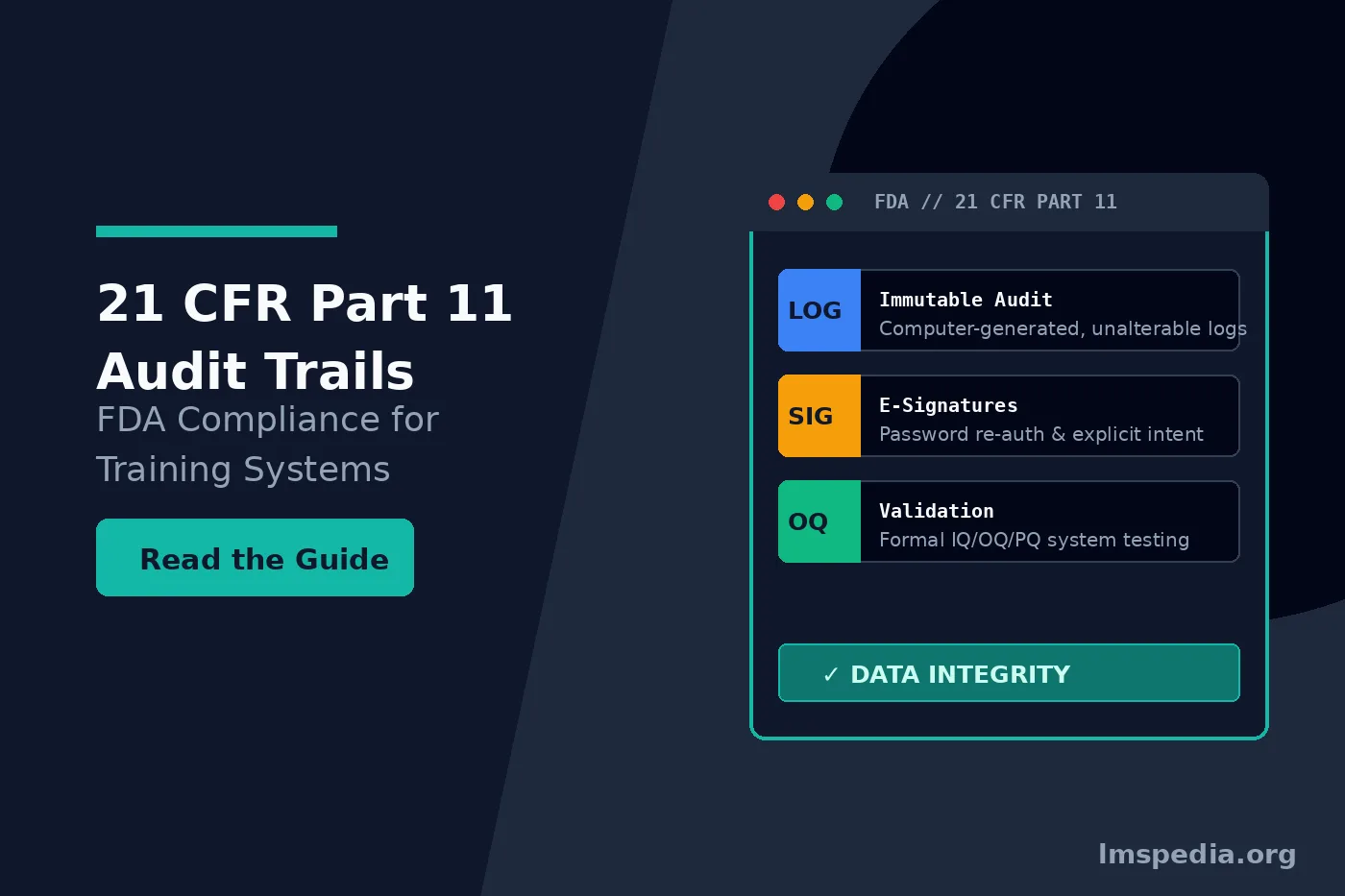
A compliant 21 CFR Part 11 audit trail must be computer-generated, secure, and permanent. Administrators cannot possess system permissions to disable, edit, or delete the audit logs.
The Four Critical Data Points:
Every logged event must capture the unique user ID (Who), the specific before-and-after values (What), a secure server timestamp (When), and a documented justification (Why).
Legally Binding E-Signatures:
Digital sign-offs must require re-authentication (like a password prompt). They must clearly display the printed name, date, time, and explicit intent (e.g., “Read and Understood”) linked permanently to that specific record version.
Version Control and Record Locking:
The LMS must automatically lock completed training records to prevent retroactive manipulation. If a document updates, the system must archive the old version and track the new compliance assignments flawlessly.
Mandatory System Validation:
You must validate the LMS using formal IQ/OQ/PQ scripts to prove the audit trail functions correctly. Furthermore, the system must quickly export these logs into human-readable formats (like secure PDFs) during an FDA inspection.
Decoding FDA Audit Trail Requirements
To guarantee patient safety and product quality, regulatory bodies demand absolute data integrity. A compliant 21 cfr part 11 audit trail serves as a secure, computer-generated, time-stamped electronic record. It must independently capture the exact date and time of operator entries and actions that create, modify, or delete electronic records. The system must capture this data invisibly in the background, without requiring manual input from the user to trigger the logging mechanism.
According to the official FDA Part 11 Guidance for Industry, these digital trails must remain completely unalterable. An LMS administrator cannot possess the system permissions to turn the audit trail off. Furthermore, they cannot edit the logs to hide administrative mistakes. If your learning platform allows a super-admin or IT director to delete or modify an audit log, the system is fundamentally non-compliant and unfit for GxP use.
The Four Pillars of a 21 CFR Part 11 Audit Trail
When designing or auditing your LMS pharmaceutical biotech GxP training architecture, your system logs must capture specific, granular data points. A fully compliant 21 cfr part 11 audit trail automatically answers four critical questions for every single system event:
1. Who Made the Change?
The system must permanently record the unique user ID of the individual executing the action. System architecture must prohibit shared logins. Using generic accounts (for example, “Admin_1” or “Quality_Team”) immediately violates compliance because inspectors cannot attribute the action to a specific human being.
2. What Was the Exact Change?
The log must explicitly display the “before” and “after” values of the modified record. If a training manager changes a passing assessment score from 80% to 90%, the log must clearly show both the original 80% and the new 90%. Overwriting data without preserving the historical value constitutes a critical data integrity failure.
3. When Did the Change Occur?
The system must apply a secure, server-generated timestamp to the action. This timestamp must align with the local time zone of the server or use a standardized Coordinated Universal Time (UTC) format. The LMS must pull this time directly from a secure network time protocol (NTP). Users cannot possess the ability to alter their local computer clocks to manipulate the timestamp.
4. Why Was the Change Made?
For critical modifications, the system must prompt the user to document their reasoning. The LMS should force the user to select a standardized reason from a drop-down menu or type a specific justification (e.g., “Correcting a typographical error” or “Updating per revised SOP”). The 21 cfr part 11 audit trail then binds this justification directly to the event log.
Avoid Spreadsheet Tracking
Never attempt to track GxP training exceptions or manual overrides in an external Excel spreadsheet. Spreadsheets lack independent, unalterable audit trails. Regulators consider spreadsheet-based training logs highly susceptible to manipulation and will likely cite your organization for poor data governance.
Managing Part 11 Training Records Effectively
Corporate training matrices change constantly. Quality assurance teams revise Standard Operating Procedures (SOPs) daily. Employees transfer between different operational departments, triggering new compliance requirements. Therefore, managing part 11 training records requires a dynamic yet highly controlled software architecture.
If a quality manager updates a manufacturing SOP, the LMS must version-control the document immediately. The 21 cfr part 11 audit trail must document exactly when version 1.0 retired and when version 2.0 became active. Furthermore, it must track exactly which employees received the notification to retrain on the new version.
When an employee completes a course, the system must definitively lock that specific training record. No user should possess the ability to alter a completed record retroactively. If an error occurred during data entry, administrators must issue a formal, logged correction rather than quietly overwriting the historical data. To understand how underlying data structures support this immutability, review our guide on Learning Record Store (LRS) architecture and governance.
Implementing Part 11 E-Signature Training Workflows
Electronic signatures carry the exact same legal weight and binding authority as handwritten signatures under FDA regulations. Therefore, implementing compliant part 11 e-signature training sign-offs represents a critical component of your onboarding process.
When an employee signs off on an SOP or completes a GxP training module, the system must capture their signature using a multi-factor approach. The system must capture two distinct components: their unique identification (usually a username and password combination) and the explicit meaning of the signature. The FDA requires the electronic record to clearly display the printed name of the signer, the date and time of the signature, and the intent (e.g., “I have read and understood this document” or “I authored this document”).
Crucially, the audit trail must permanently link this electronic signature to the specific electronic record. If a quality manager updates the document, the signature must break or clearly indicate it applies only to the older version. You cannot transfer a signature from version 1.0 to version 2.0.
Ensuring Electronic Records Training Compliance
Achieving true electronic records training compliance requires marrying robust software with disciplined administrative protocols. Even the most advanced software cannot compensate for poor internal data governance or lax security procedures.
Validating the LMS Platform
You cannot simply purchase an LMS, turn it on, and claim compliance. Your organization must formally validate the software. You must execute Installation Qualification (IQ), Operational Qualification (OQ), and Performance Qualification (PQ) scripts. These scripts scientifically prove that the 21 cfr part 11 audit trail functions exactly as intended within your specific IT environment. For overarching guidance on computer system validation, organizations should adhere to the ISPE GAMP 5 framework.
Enforcing Strict Access Controls
You must establish strict role-based access controls (RBAC). Only highly authorized personnel should possess the system permissions required to assign, modify, or waive training requirements. The principle of least privilege must apply; users should only have the minimum system access necessary to perform their specific job functions.
Generating Human-Readable Exports
During an inspection, an FDA investigator will inevitably ask you to produce the audit trail for a specific employee or a specific SOP. You must generate this report quickly. The system must export the data in a human-readable format, such as a secure, searchable PDF or a locked XML/Excel file. Handing an auditor a raw database dump filled with unreadable code will result in immediate regulatory friction. To explore how administrators map these complex reporting requirements, review our detailed guide on LMS reporting, custom reports, and data exports.
| Feature | Standard Corporate LMS | Part 11 Compliant LMS |
|---|---|---|
| Audit Log Editability | Super-admins can often delete or purge logs to save server space. | Logs are strictly unalterable and permanently retained. |
| Data Overwrites | System overwrites old data (e.g., changes a score without keeping the old one). | System preserves both the old value and the new value simultaneously. |
| E-Signature Intent | Simple “Agree” checkbox. | Requires re-authentication (password) and displays specific intent. |
| Reason for Change | Changes occur silently. | System forces the admin to type a mandatory justification for the change. |
| System Validation | Vendor provides software “as-is” with automatic, unannounced updates. | Vendor supports formal IQ/OQ/PQ validation and controls update releases. |
Establishing a Routine Self-Audit Cadence
Deploying a validated system represents only the first step in maintaining electronic records training compliance. Organizations must not wait for a formal FDA inspection to review their system logs. Instead, quality assurance teams must establish a proactive, routine self-audit cadence. By scheduling quarterly reviews of your 21 cfr part 11 audit trail, administrators can quickly identify anomalous behavior, such as a single manager frequently waiving mandatory compliance modules or an unusual spike in manual score overrides. Proactively catching and documenting these internal discrepancies demonstrates to regulators that your organization possesses a mature, self-correcting quality culture rather than a reactive one.
Conclusion
Navigating regulatory inspections successfully demands absolute transparency in your digital infrastructure. A robust 21 cfr part 11 audit trail provides this exact transparency. It proves to external auditors that your training data remains secure, accurate, and trustworthy.
By selecting an LMS built specifically for the life sciences sector, you automate the complex task of tracking every system modification. You must ensure your platform securely logs the “who, what, when, and why” of every administrative action. Master the strict rules governing part 11 training records, implement secure digital sign-offs, and validate your system rigorously. Ultimately, maintaining a flawless 21 cfr part 11 audit trail protects your organization from devastating FDA warning letters and guarantees your workforce remains fully qualified to protect patient safety.
FAQ
Q1. What is a 21 CFR Part 11 audit trail?
A 21 CFR Part 11 audit trail is a secure, computer-generated, time-stamped log that independently records the creation, modification, or deletion of electronic records within a software system. The FDA requires these trails to ensure data integrity in life science environments.
Q2. Why are shared logins prohibited under FDA Part 11 guidelines?
Shared logins (e.g., a generic “Admin” account used by multiple people) are strictly prohibited because they destroy accountability. A compliant audit trail must definitively link every system action to one specific, identifiable human being.
Q3. Can an IT administrator delete a 21 cfr part 11 audit trail to save server space?
No. Under FDA regulations, audit trail records must remain strictly immutable and permanently retained for the lifecycle of the electronic record. Allowing any user to delete logs fundamentally violates Part 11 compliance.
Q4. What specific events must be captured in Part 11 training records?
The system must log course completions, manual score adjustments, user profile changes, training waivers, curriculum assignments, SOP version updates, and e-signature timestamps. The log must show the exact prior value and the newly updated value.
Q5. How should organizations present audit trails during an FDA inspection?
Organizations must retrieve and export audit trails quickly in a human-readable format, such as a secure, searchable PDF or a locked spreadsheet. The export must clearly show the chronological sequence of all system activities so the FDA investigator can verify compliance without needing specialized database knowledge.

