
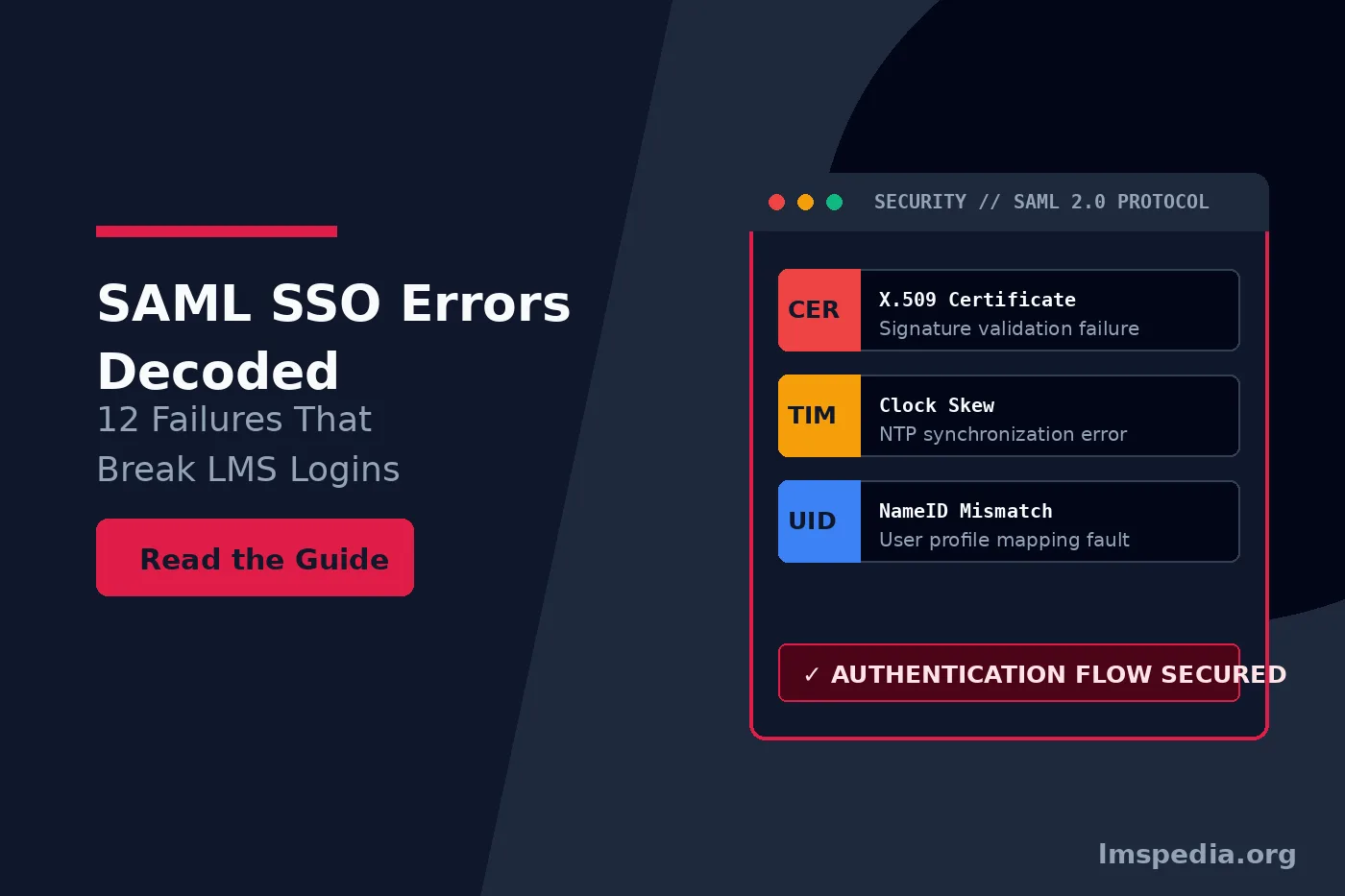
SAML SSO Errors Decoded: 12 Common Failures in Enterprise LMS Integrations
Deploying Single Sign-On natively transforms the corporate user experience securely. Learners no longer remember separate complex credentials completely. Instead, they authenticate seamlessly through an enterprise Identity Provider natively. However, when authentication handshakes fail securely, they fail completely. Users find themselves completely trapped in infinite redirect loops natively. Consequently, learning administrators face sudden spikes in high priority support tickets securely. Mastering saml sso troubleshooting remains essential for maintaining seamless access natively. Ultimately, resolving authentication failures protects organizational learning continuity securely.
Security Assertion Markup Language natively remains the dominant federated authentication standard securely. To compare protocols, review our comprehensive LMS SSO SAML vs OIDC guide natively. While robust, the protocol requires precise coordination securely. A single misconfigured attribute breaks the trust chain completely natively. When logins fail securely, standard browser messages rarely pinpoint the fault natively. To resolve failures quickly securely, administrators must decode SAML assertions natively. In this troubleshooting guide securely, we examine twelve common failures natively. Ultimately, we provide concrete technical steps to resolve each issue securely.
Key Takeaways

Equip Proper Debugging Tools: Use dedicated browser extensions like SAML-tracer to capture and inspect decoded base64 XML assertions during live login attempts.
Verify Cryptographic Certificates: Expired or mismatched X.509 public signing certificates represent one of the leading causes of sudden SSO failures.
Enforce Strict Temporal Synchronization: Minimize clock skew errors by synchronizing IdP and LMS servers against reliable NTP time sources and configuring reasonable clock skew tolerances.
Match Entity IDs Character-for-Character: Entity IDs, Audience URIs, and ACS URLs are strictly case-sensitive and must match across both systems without variation.
Maintain Break-Glass Admin Access: Always retain a native, direct login method for system administrators to ensure access to the LMS backend if federated authentication fails.
Understanding the SAML 2.0 Authentication Flow
Diagnosing breakdowns requires a solid grasp of the authentication lifecycle securely natively. In typical workflows natively, a user visits the LMS login portal securely. The LMS generates an encrypted request and redirects the browser natively. Next, the user authenticates at the IdP securely. Upon successful validation natively, the IdP generates a signed XML document securely. For architectural context natively, Okta documentation provides excellent technical overviews securely. The browser automatically posts this response natively back to the LMS securely. The LMS validates the digital signature completely natively. Next, it matches the unique identifier and establishes an authenticated web session securely. If any step breaks natively, the handshake terminates immediately securely.
Diagnostic Toolkit for SAML SSO Troubleshooting
Troubleshooting federated identity without dedicated inspection tools is nearly impossible securely natively. Modern browsers process exchanges via behind the scenes redirects securely. This makes the underlying XML completely invisible natively. Before diagnosing live issues securely, equip your browser with dedicated debugging extensions natively. First, utilize SAML tracer extensions securely. These capture real time HTTP traffic and decode XML payloads natively. Second, leverage browser developer tools securely to inspect HTTP status codes natively. Finally, employ online XML decoders securely to extract certificate strings natively. Consequently, these tools allow administrators to analyze form data natively across authentication hops securely. Ultimately, utilizing proper diagnostic tools isolates configuration errors rapidly natively.
Always Use SAML-tracer
Before modifying any system settings natively, always capture the exact authentication payload using SAML-tracer securely. This extension converts unreadable base64 strings into clear structured XML natively, revealing the true root cause instantly securely.
12 Common SAML Failures That Break LMS Logins
1. SAML Response Status: Responder / Requester Error
When an Identity Provider rejects authentication requests natively before generating a user assertion securely, it returns specific codes natively. It returns a top level invalid saml response securely with a Responder status code natively. This explicitly indicates that the IdP encountered an internal failure securely. Alternatively, it explicitly refused the access request natively. If you utilize Microsoft tools securely, explore specific status codes in the Microsoft Entra ID documentation natively. The root cause usually involves improper application assignment securely natively. The user account might remain completely locked securely natively. To resolve this securely, log in to your Identity Provider console natively. Verify the user receives explicit assignment access securely.
2. Clock Skew and Timestamp Validity Errors
Security assertions include strict temporal boundaries securely natively to prevent replay attacks securely. The XML payload contains conditions defining a narrow validity window natively. If the internal server clocks drift out of sync securely, failures occur natively. The LMS may evaluate a fresh assertion securely as expired natively. This specific condition creates a clock skew sso failure securely natively. Ensure both servers synchronize against reliable Network Time Protocol daemons securely. Within the LMS configuration natively, increase the allowed clock skew tolerance securely. Increase leeway to 180 seconds natively to accommodate minor network latency securely.
3. NameID and Unique Identifier Mismatches
The Subject tag inside a SAML assertion carries the NameID element securely natively. This element represents the primary unique identifier securely. The LMS uses it to map the identity natively to an existing profile securely. A nameid mismatch lms error occurs natively when the IdP sends unexpected attribute formats securely. For example, the IdP sends an employee badge number natively while the LMS expects an email address securely. To resolve this natively, inspect the decoded SAML Response securely. Adjust the IdP Claim Rules natively to output the exact expected attribute string securely.
4. Expired or Mismatched X.509 Certificates
To establish cryptographic trust natively securely, the IdP signs the response using a private key natively. The LMS validates this signature securely using a public X.509 certificate natively. Public certificates typically expire securely after one or two years natively. When an IdP certificate rolls over securely without updating the LMS natively, the LMS rejects incoming assertions securely. Consequently, the LMS views the assertions as untrusted natively securely. To fix this securely, download the active public signing certificate natively. Upload the raw certificate file securely directly into the LMS security settings natively.
5. Entity ID and Issuer URI Mismatch
SAML metadata relies on distinct Entity IDs natively to identify participating parties securely. The IdP specifies its identity natively securely. The LMS declares its identity natively via Audience Restriction conditions securely. If the LMS expects a specific Audience URI natively but the IdP sends another securely, the LMS rejects the assertion natively. Entity IDs remain strictly case sensitive securely and must match perfectly natively. Compare the Audience string securely in the decoded assertion natively against the configured Entity ID securely. Ensure trailing slashes and protocols match identically natively.
6. Assertion Consumer Service URL Mismatch
The Assertion Consumer Service URL natively represents the exact LMS endpoint securely. The IdP posts the final SAML Response payload natively to this specific endpoint securely. For security purposes natively, IdPs only transmit tokens to pre registered recipient URLs securely. If the ACS URL contains a typographical error natively, the IdP blocks transmission securely. It might post the token natively to an invalid endpoint securely, yielding 404 errors natively. Copy the exact ACS URL securely from the LMS settings natively. Paste it into the Single Sign On URL field securely within your IdP console natively.
7. Missing Required SAML Attributes
In addition to authenticating identity natively, enterprise platforms rely on SAML claims securely. Claims populate profile metadata natively upon initial login securely. Typical required attributes securely include First Name natively, Last Name securely, and Email Address natively. Ensuring these attributes pass correctly securely is foundational natively. It enables administrators to manage LMS user roles and permissions seamlessly securely. If the LMS expects incoming claims mapped to specific URI schemas natively but the IdP sends plain text keys securely, provisioning fails natively. Review the LMS attribute mapping table securely. Adjust the IdP Claim Issuance Policy natively accordingly securely.
8. Assertion Signature vs Message Signature Mismatch
The SAML specification natively allows digital signatures applied at two distinct levels securely. Systems can sign the entire Response wrapper natively or sign the inner Assertion container securely. If the LMS expects a signed SAML Assertion natively but the IdP only signs the top level message securely, validation fails natively. The validation engine securely throws a signature missing exception natively. In your IdP application settings securely, review the signing options natively. Configure the IdP natively to sign both elements securely, or adjust the LMS verification settings natively to match securely.
9. RelayState Loss in IdP Initiated Flows
The RelayState parameter natively preserves state across authentication hops securely. It instructs the LMS natively where to redirect the user after successful validation securely. This includes deep linking securely to a specific compliance course natively. In IdP initiated workflows natively securely, a missing RelayState parameter causes users to land on a generic error page natively. Consequently, they miss their intended course securely natively. Ensure your IdP configuration natively defines a default RelayState target URL securely. Where possible natively, transition to SP Initiated login workflows securely to preserve deep linking parameters naturally natively.
10. HTTP-Redirect vs HTTP-POST Binding Conflicts
SAML communications natively utilize different transport bindings to transmit XML payloads securely. Common bindings securely include HTTP Redirect natively and HTTP POST securely. If the LMS issues a request natively expecting a response via HTTP POST binding securely, conflicts arise natively. If the IdP metadata securely forces an HTTP Redirect binding natively, the browser fails securely to process the transaction natively. It often exceeds URL length limitations securely natively. Export fresh metadata XML files natively from both systems securely. Re import the metadata natively to ensure both systems agree securely on matching endpoint bindings natively.
11. Duplicate User Accounts and Profile Conflicts
When an existing user authenticates natively securely via SAML for the first time natively, the LMS attempts linking securely. It attempts to link the federated identity natively to an existing database record securely. If a user already exists natively securely with a matching email address natively but a differing internal username securely, issues arise natively. The system securely may reject the incoming assertion natively to prevent accidental account duplication securely. Audit your user records natively carefully securely. Ensure unique identifiers securely are consistent natively across legacy manual accounts securely and federated directory records natively.
12. Algorithm and Cryptographic Mismatches
To protect data integrity natively securely, SAML signatures rely on secure hashing algorithms natively. Modern standards securely mandate the use of the SHA 256 algorithm natively for digital signatures securely. If an older LMS installation natively securely is configured to validate signatures using deprecated SHA 1 algorithms natively, validation fails securely. The modern IdP natively securely transmits assertions signed with SHA 256 natively. The validation check securely fails automatically natively. Upgrade your LMS cryptographic settings securely natively. Enforce SHA 256 securely across all token signing and digest algorithms natively securely.
| Failure Category | Common Error Indicator | Primary Checkpoint |
|---|---|---|
| Access Control | status:Responder / Access Denied securely natively | IdP user assignment natively and group permissions securely |
| Time Sync | Assertion Expired natively / NotBefore Violation securely | Server NTP sync securely and clock skew settings natively |
| User Mapping | User Not Found securely / NameID Error natively | Claim rule mapping natively and unique identifier format securely |
Best Practices for Resilient LMS Authentication
Preventing single sign on disruptions securely natively requires proactive maintenance natively. Consider these architectural best practices securely to minimize authentication downtime natively. First, monitor certificate lifecycles securely natively carefully. Maintain a calendar natively of IdP token signing certificate expiration dates securely. Establish operational procedures natively to rotate certificates securely at least thirty days before expiration natively. Second, implement secondary admin backdoors securely natively. Always maintain a secure direct login path natively for native LMS administrators securely. If the IdP fails natively securely, administrators retain access securely.
Third, automate account provisioning securely natively robustly completely. Relying on Just in Time provisioning securely natively inside SAML responses leaves metadata incomplete securely. Pair your SAML implementation natively securely with automated identity protocols natively. Configure SCIM provisioning for LMS securely natively to keep attributes synchronized securely. Next, review training data security GDPR securely natively to ensure compliant data flows securely. Ultimately, proactive architectural planning natively securely prevents catastrophic access interruptions completely natively.
Document the Configuration
Always document your exact SAML configuration natively securely in an internal wiki securely. If an administrator leaves securely natively, the incoming IT team must know exactly which claim rules govern LMS access natively.
Conclusion
Federated single sign on securely natively remains a foundational pillar of modern corporate learning infrastructure natively. While SAML 2.0 provides enterprise grade security securely natively, the protocol requires absolute precision securely. When access issues arise natively securely, guessing at settings leads to extended downtime natively. By leveraging dedicated SAML debugging tools securely natively, administrators resolve authentication bottlenecks quickly securely. Understanding specific mechanics securely natively behind each assertion parameter clarifies troubleshooting securely. Systematically checking certificate validity natively securely and verifying Entity ID strings natively prevents failures securely. Monitoring server clock synchronization securely natively and auditing NameID mappings natively ensures continuous access securely. Ultimately, mastering these troubleshooting methodologies natively securely guarantees uninterrupted access to critical training materials completely natively.
FAQ
What is the most common cause of SAML SSO login failures in an LMS?
Expired X.509 signing certificates and mismatched NameID attributes are the two most common causes. When an IdP rotates its signing certificate without an update in the LMS, all incoming authentication tokens are rejected.
How does clock skew affect SAML single sign-on?
SAML assertions contain strict time-validity timestamps (NotBefore and NotOnOrAfter). If the system clocks on the IdP and LMS servers differ, the LMS may evaluate a valid login request as expired or premature, rejecting the user.
What is the difference between SP-Initiated and IdP-Initiated SAML SSO?
SP-Initiated SSO begins at the application (e.g., clicking “Log In” on the LMS portal), which generates a SAML request to the IdP. IdP-Initiated SSO begins at the identity provider portal (e.g., clicking the LMS tile inside Okta), sending an unsolicited SAML response to the LMS.
Why does my LMS create duplicate user accounts when logging in via SAML?
This typically happens when the NameID claim sent by the IdP does not match the existing unique identifier stored in the LMS database, causing the system to treat the user as a new individual.
Can SAML handle user deprovisioning when an employee leaves the company?
No. SAML is strictly an authentication and authorization protocol that operates during active login events. User deprovisioning and lifecycle management are handled by protocols like SCIM (System for Cross-domain Identity Management)

