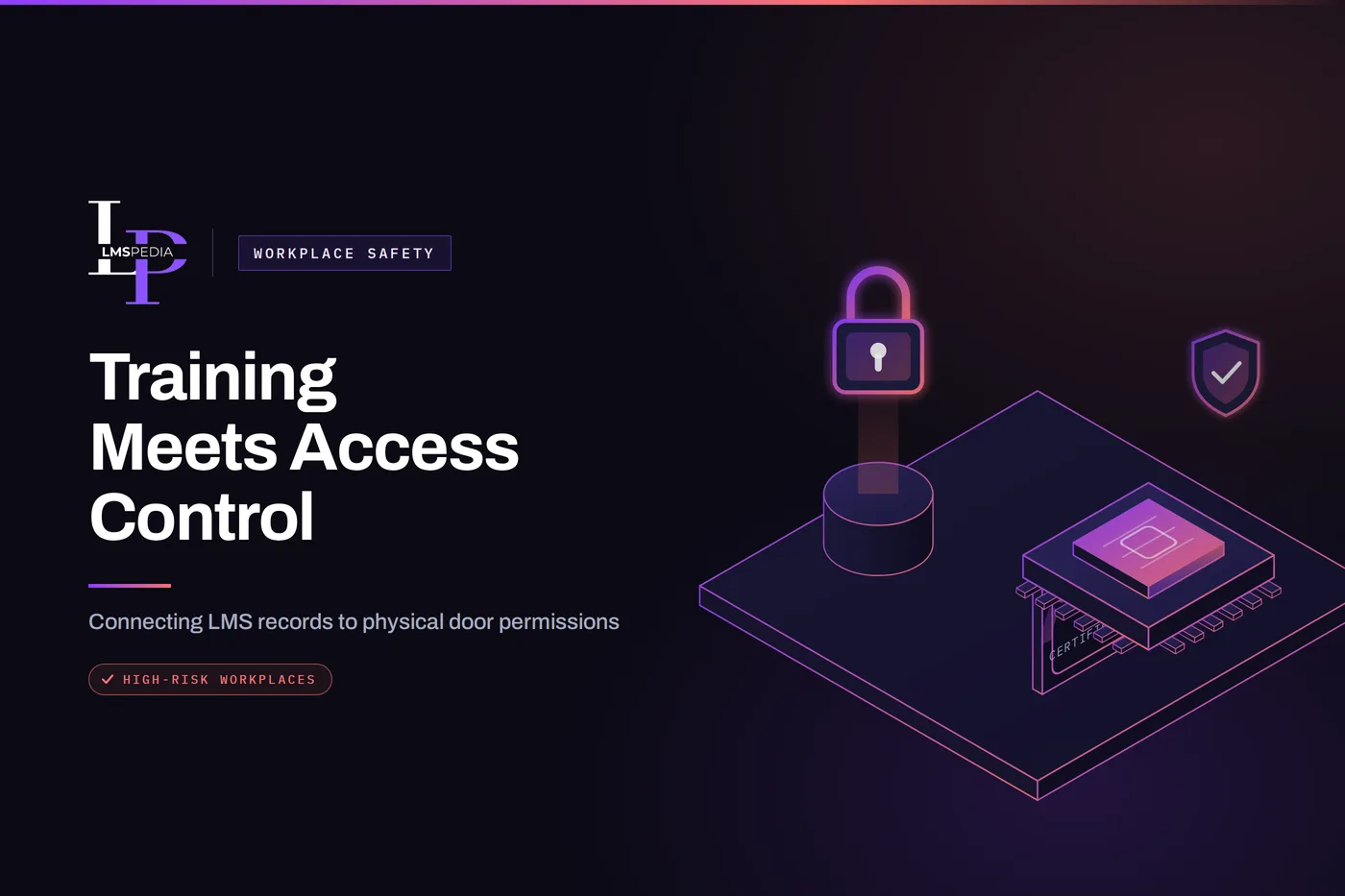
In high-risk workplaces, knowing who is allowed through a door can be just as important as knowing who has completed the training required to work safely on the other side. Connecting learning records with physical access policies means employees receive entry not simply because they work for the organization, but because they are currently qualified for the work behind that door.
The latest U.S. workplace safety figures show why that connection matters. The Bureau of Labor Statistics recorded 2.5 million employer-reported injuries and illnesses in private industry during 2024. In total, 5,070 workers died from occupational injuries, equivalent to one worker every 104 minutes. Falls, slips, and trips alone were involved in 844 fatal workplace injuries.
Industries such as manufacturing, construction, logistics, utilities, laboratories, aviation, and energy regularly contain areas where entry should depend on more than possession of an employee badge.
Why Should Training Influence Who Can Enter High-Risk Areas?
A worker may need specific safety training, equipment certification, contractor induction, or role authorization before entering a restricted area. Access without that qualification is where avoidable incidents start.
Many workplace training programs already determine what employees are qualified to do. Forklift operators need appropriate training. Workers entering confined spaces need specific knowledge of hazards and procedures. Contractors may need to complete site induction before beginning work.
OSHA’s permit-required confined-space standard, for example, requires affected employees to receive training before they are assigned regulated duties and requires employers to certify that the training has been completed.
Yet training and physical access are often managed separately. The learning management system may show that a certification has expired, while the employee’s building credential still opens the same restricted door. That creates an avoidable gap between compliance and physical security.
A stronger approach connects role requirements, training status, and access permissions, often through training compliance management software that keeps qualification records current and visible to whoever manages door permissions.
How Does an LMS Completion Translate Into a Physical Access Permission?
Consider a manufacturing plant with a high-voltage electrical room. Only electricians who have completed the required safety program should enter. If training records and access systems operate independently, administrators must remember to update door permissions manually whenever someone’s qualification expires. That process becomes difficult across hundreds or thousands of employees.
A connected workflow could work differently. When an employee completes the required LMS course, the organization verifies any additional certification requirements and assigns the appropriate physical access permission. If the qualification expires, the employee’s access to that area can be suspended until refresher training is completed.
The LMS remains responsible for learning records. The physical access system remains responsible for doors. Integration ensures that the rules governing each system reflect the same qualification status.
Stage the Rollout by Risk Level
Connect the highest-hazard doors first, such as confined spaces or high-voltage rooms, before touching low-risk areas. A narrow pilot surfaces mismatched records while the blast radius of a mistake is still small.
What Does Role-Based Access Add on Top of Training Completion?
Training completion alone should not automatically provide unrestricted entry. Job responsibilities matter too.
A qualified electrical technician might require access to electrical rooms but have no reason to enter a chemical storage area. A maintenance contractor may need temporary access to mechanical rooms but not laboratories or server facilities.
Role-based access control allows businesses to define permissions according to responsibilities. This creates several layers of verification, summarized below.
| Verification layer | What it confirms |
|---|---|
| Employment or contractor status | The person is currently affiliated with the organization and approved to be on site |
| Job role | The task scope that genuinely requires entry to this specific area |
| Required training | The employee has completed the course tied to this area’s hazard type |
| Current certification | The qualification has not lapsed or expired since it was granted |
The approach is similar to least-privilege principles in cybersecurity. Workers receive access only to the locations required for their current duties. This can reduce both accidental exposure to hazards and unnecessary access to sensitive areas.
Why Is Contractor Induction a Particularly Important Use Case?
Contractors create a particular challenge because they may work on-site for only a few hours, days, or weeks.
A contractor arriving at an industrial facility may need to complete orientation covering emergency exits, PPE requirements, restricted zones, reporting procedures, and site-specific hazards before starting work, typically through contractor orientation and site induction software paired with a contractor safety training library covering the hazards specific to that site.
Instead of issuing permanent access credentials, organizations can use temporary permissions linked to the contractor’s approved work period. Once the project ends, access can expire automatically.
The same principle can apply when mandatory training lapses. If the contractor needs to return three months later but the induction is no longer valid, the system can require retraining before access is restored. This creates a clearer relationship between induction, authorization, and physical entry.
What Should Businesses Look for in Access Control Technology?
Organizations implementing this approach need access-control technology capable of supporting centralized permissions, schedules, integrations, and reliable audit records.
When comparing access control system manufacturers, businesses should therefore look beyond readers and door hardware. They should evaluate whether the platform can integrate with workforce or identity systems and whether administrators can easily change permissions when employee roles or compliance status change, ideally alongside safety training software that already tracks who is currently qualified.
Coram, for example, provides cloud-managed access control that can work with existing readers, locks, and controllers while connecting door events with corresponding video. This can give security teams additional context when investigating denied access, unusual entry, or activity around restricted areas.
The technology should support the organization’s training and safety policies rather than determine them.
Why Do Expiring Certifications Need Automated Attention?
Training requirements rarely remain valid forever. Safety programs may require annual refresher training, equipment certifications may expire, and employees may change roles. Manual spreadsheets make these changes difficult to manage at scale.
An LMS can track expiry dates and notify employees when recertification is approaching. When connected with identity or access workflows, that information can also influence permissions.
For example, a warehouse employee whose powered-industrial-truck qualification expires could temporarily lose access to a restricted equipment area until training is renewed. This creates a practical incentive for keeping qualifications current while reducing the chance that outdated records remain unnoticed.
Use Tiered Warnings, Not a Single Cliff
Trigger notifications at 30, 14 and 1 day before a certification lapses instead of only suspending access the day it expires. A hard cliff with no warning turns a scheduling problem into a shift someone can’t start.
How Can Access Logs Strengthen Compliance Records?
Physical access data also provides useful evidence during safety reviews. An LMS may prove that an employee completed required training. Access logs can show when restricted areas were entered, which supports audit-ready compliance records rather than a paper trail assembled after the fact.
Together, these records can help organizations answer important questions after an incident:
- Was the employee currently trained?
- Were they authorized for that area?
- When did they enter?
- Was access outside their normal schedule?
Video, where legally and appropriately used, can provide further context. These records should not replace proper incident investigation, but they can make the timeline much clearer.
Does Automation Remove the Need for Human Oversight?
No. Automation should support safety teams rather than replace judgment. There will always be exceptions. Emergency responders may require immediate access. A worker could need temporary authorization for supervised maintenance. A system outage may require manual procedures.
Organizations therefore need clear override processes and responsibility for approving exceptions. Training records can also be wrong if course completion is recorded incorrectly or certification data is outdated. Regular reviews remain essential.
The strongest model combines automation with accountable human oversight.
What Privacy and Data Governance Questions Should This Raise?
Connecting LMS data with physical access creates additional employee data flows. Organizations should clearly define what information is shared between systems. An access-control platform may only need to know that a qualification is valid, not receive an employee’s full training history.
Role-based administrative permissions should also limit who can view training records, access logs, or video. Data should be retained according to legitimate safety, compliance, and operational requirements rather than indefinitely.
Good integration should reduce risk without creating unnecessary employee surveillance.
Conclusion
High-risk workplace safety depends on more than delivering training and hoping employees remember the rules. Organizations also need to control who can physically enter hazardous areas.
Connecting learning records, certifications, roles, and access permissions creates a more practical compliance framework. Employees who remain qualified can receive the access required for their jobs, while expired certifications or changed roles can trigger tighter restrictions.
For organizations already investing in LMS platforms and electronic access control, bringing those systems closer together can turn training records into an active part of workplace safety rather than leaving them as documentation reviewed only after something goes wrong.
FAQ
Q1. How can an LMS work with physical access control?
An LMS can track whether employees have completed required training. Through identity-management or integration workflows, that status can be used as one factor when granting or removing physical access permissions.
Q2. Can access automatically expire when training expires?
Potentially, yes. If the systems support the required integration, expired training or certifications can trigger changes to access permissions. Human oversight should still be available for exceptions.
Q3. Which workplaces benefit most from training-based access?
Manufacturing plants, warehouses, laboratories, construction sites, airports, utilities, healthcare facilities, data centers, and other environments with restricted or hazardous areas can benefit.
Q4. Does completing training automatically mean someone should receive access?
No. Training should be one factor alongside job role, authorization, employment status, and operational need.
Q5. Why are access logs useful for compliance?
They provide a record of when credentials were used at controlled areas. Combined with training records, they can help organizations understand whether someone was both qualified and authorized at the time of an event.