Understanding the technical differences between scorm suspend_data and basic lesson tracking remains absolutely critical. Frustrated corporate learners often complain about lost course progress. Consequently, administrators typically blame the learning management system. However, the system is rarely broken. Instead, you are battling complex data truncation errors. Modern authoring tools attempt to save massive amounts of interactive data. Consequently, they hit architectural walls. The strict communication standard rejects the excessive data silently. Therefore, understanding exactly how the cmi.core.lesson_location operates is non-negotiable. In this comprehensive technical guide, we will break down these communication variables perfectly. Furthermore, we will explore exactly how to solve the terrible scorm bookmark not saving error. To understand the foundational files driving this communication, review our technical guide. Read our detailed SCORM package structure guide today.
Historically, educational departments built basic digital slideshows. These legacy courses possessed zero interactive variables. Therefore, the original communication standards handled their data requirements perfectly. However, modern digital learning requires advanced branching scenarios. Furthermore, instructional designers build massive software simulations constantly. These complex digital courses generate massive amounts of interaction data. Consequently, they overwhelm the legacy communication protocols instantly. To understand what these global standards represent, you must read our foundational dictionary. Explore exactly what is SCORM today.
Key Takeaways

Understand Two Different Variables: The location variable tracks the basic page number. Conversely, the massive suspend data variable stores complex interactive states.
Beware the Massive Limit: The strict SCORM 1.2 standard physically limits this data string. Specifically, it allows exactly 4,096 characters.
Diagnose Silent Failures: Interactive courses often exceed this specific limit. Consequently, the data becomes truncated completely silently. Therefore, this truncation causes your critical bookmarking errors.
Upgrade Standards Deliberately: You can solve this character limit problem easily. Specifically, you must upgrade your publishing standards. The modern editions expand this storage limit to 64,000 characters.
Minimize Complex Interactions: You must strictly limit drag and drop interactions. Furthermore, you should reduce complex quizzes. These digital activities consume your character limit instantly
Understanding Basic SCORM Bookmarking Mechanics
You must completely understand how your digital course talks to the database. This complex communication relies entirely on a specific JavaScript interface. First, the digital course pushes specific text variables directly to the server. Next, the server stores these text variables permanently. Finally, the course retrieves them upon the next launch.
The Role of cmi.core.lesson_location
The highly specific cmi.core.lesson_location variable operates straightforwardly. This variable exclusively stores the literal page number. For example, a corporate learner stops on slide fourteen. Consequently, the digital course sends the text string “slide_14” to the database. When the learner returns tomorrow, the course asks the server for this string. Therefore, the digital course jumps perfectly to slide fourteen.
The Complexity of scorm suspend_data
Conversely, the incredibly complex scorm suspend_data variable does vastly more heavy lifting. The location string only dictates the starting slide. It completely fails to remember specific learner actions. However, the suspend data variable is a massive free form text string. It stores every single complex variable state. Furthermore, it strictly remembers which multiple choice options the learner clicked. Additionally, it remembers exactly where they dragged an interactive box.
The Massive Character Limit Problem
The most severe technical problem involves strict architectural limitations. The federal government designed the popular 1.2 standard in the early two thousands. During that specific technological era, database storage was incredibly expensive. Therefore, they established strict boundaries.
The Strict SCORM 1.2 Ceiling
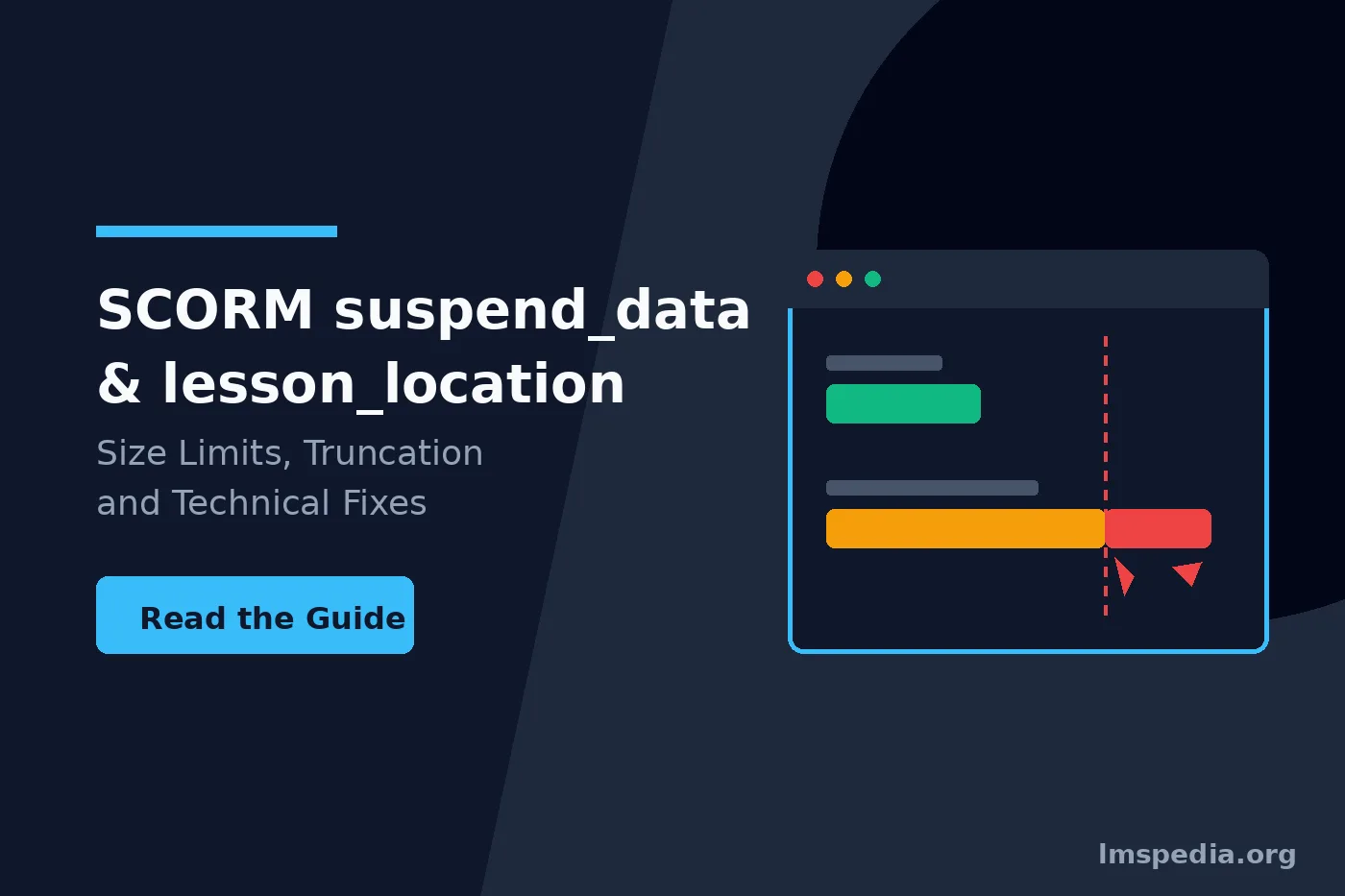
Consequently, the architects enforced a strict suspend data 4096 limit. This limitation means the text string cannot ever physically exceed 4,096 characters. If your digital course generates four thousand characters, the server accepts the data. However, larger files cause immediate problems.
Why suspend_data truncated Errors Occur
Massive branching simulations easily generate five thousand characters. When this happens, massive disaster strikes. The server physically chops off the excess data. The technical industry calls this failure exactly suspend_data truncated. Terribly, the server does not show an error message. It simply fails utterly silently. Therefore, you must learn how interactive logic inflates text strings. Review our guide on how to create interactive training modules carefully.
Diagnosing a Bookmark Not Saving Error
A furious learner will eventually report a massive scorm bookmark not saving error. When this happens, you must investigate instantly. First, you must completely rule out basic browser cache issues. Next, you must pull the communication debug logs from your software platform.
Reading the Complex Debug Logs
You must open the massive digital debug log. Search specifically for the text string LMSSetValue. You will see exactly what data the course attempted to send. If you see a massive block of gibberish text, count the characters. If the total character count exceeds four thousand, you found your failure. Consequently, you must alter the course.
The Silent Rollback Effect
The database violently truncates the massive data string. Consequently, the digital course becomes utterly confused. The next time the learner opens the course, the software reads the truncated data. Because the data string is corrupted, the digital course gives up. Therefore, the course violently rolls the frustrated learner back to the beginning.
Check Your Specific LMS Capabilities
Some incredibly modern software platforms entirely ignore the strict federal character limit. They will explicitly save eighty thousand characters on the 1.2 standard. However, you must never totally rely on this non standard behavior. If you migrate to a stricter server later, your massive courses will break instantly.
Differences Between SCORM Versions
You must understand how different federal standards handle this problem. The original architects instantly realized their massive mistake. Therefore, they explicitly increased the strict database limits in newer versions.
The Disastrous Second Edition
You must strictly avoid the 2004 second edition. The architects incredibly lowered the strict character limit. They explicitly lowered the limit to exactly 4,000 characters. Consequently, this terrible edition causes vastly more truncation errors. Therefore, nobody uses it today.
Upgrading to the Third and Fourth Editions
Finally, the architects completely fixed the massive problem. In the third edition and fourth edition, they drastically changed the rules. They entirely raised the specific character limit massively. The new absolute ceiling is exactly 64,000 characters. This massive limit accommodates absolutely any complex corporate course.
| Publishing Standard | Strict Character Limit | Typical Truncation Risk |
|---|---|---|
| Version 1.2 | Exactly 4,096 characters. | Incredibly severe for complex courses. |
| Version 2004 (2nd Edition) | Exactly 4,000 characters. | Absolutely catastrophic. |
| Version 2004 (3rd Edition) | Exactly 64,000 characters. | Incredibly rare. |
| Version 2004 (4th Edition) | Exactly 64,000 characters. | Incredibly rare. |
How Modern Authoring Tools Compress Data
Modern authoring tools actively fight this truncation problem. Vendors recognize that instructional designers love building massive scenarios. Therefore, the specific tools deploy massive data compression algorithms. These algorithms save your learners continuously.
Storyline and Captivate Compression
For example, Articulate Storyline compresses the data string entirely automatically. Before the course sends the data to the server, it shrinks the text. Consequently, the string in your debug log looks like complete alien gibberish. You cannot physically read the compressed data. However, massive seventy slide courses will still hit the limit eventually. To ensure you balance course difficulty properly, review our psychological guide. Read our analysis of the zone of proximal development in corporate training today.
Turn Off the Resume Feature
If you must deploy a massive digital course on an older database, you have one brutal option. You must entirely disable the resume feature in your authoring tool. This terrible option forces the corporate learner to finish the course in one single sitting.
Practical Fixes for Data Truncation
You might not be able to upgrade your server to the newer standards. Therefore, you must change your course design entirely. You must formally reduce the exact amount of data the digital course produces. Consequently, you must audit your slide count immediately.
Shortening the Digital Curriculum
The simplest physical fix involves splitting your massive course. You must break your ninety minute module into three independent modules. Consequently, each smaller module independently tracks its own data string. This massive strategic structural change completely solves the technical error. Furthermore, learners vastly prefer shorter modules.
Reducing Complex Interactions
Additionally, you must evaluate your specific interactions. Every single drag and drop exercise consumes massive character counts. Every single complex multiple choice question saves multiple variables. If you replace a massive matching game with a basic information slide, your physical data string shrinks. Therefore, simplify your assessments continuously.
Monitoring Data with Your Enterprise Platform
Managing these complex technical variables requires a powerful digital infrastructure. You cannot detect silent data truncation using a terrible outdated database. You must utilize robust platforms that explicitly generate deep technical debug logs. To discover the absolute best platform, you must read our software review. Explore the best training management software today.
Furthermore, managing massive employee training records requires strict data security. Your digital courses formally collect sensitive interactive user states. Therefore, you must strictly protect all that digital information perfectly. The legal landscape regarding algorithmic data is changing rapidly. To understand these massive modern security obligations, review our legal guide. Read the detailed EU AI Act and L&D guide today.
Conclusion
Mastering exactly how to resolve the scorm bookmark not saving error remains mandatory for any serious corporate administrator. You must fully comprehend the technical difference between simple cmi.core.lesson_location page tracking and massive scorm suspend_data interactive state logging. By deeply acknowledging the devastating suspend data 4096 limit, you successfully avoid invisible suspend_data truncated failures. You must officially upgrade your publishing standard to version 2004. Alternatively, you must definitively shorten your complex interactive courses. Finally, you can aggressively simplify your complex assessments. Technically managing these strict digital text limits guarantees a completely flawless user experience permanently.
FAQ
What is scorm suspend_data?
It is a highly complex free form text string. The digital course utilizes this specific string to store massive interactive state data. For example, it strictly records exactly which specific quiz answers the learner selected during the module.
What is the suspend data 4096 limit?
It represents the strict maximum physical character count allowed by the SCORM 1.2 federal communication standard. If your massive digital course generates more data, the server violently truncates it silently. Consequently, the learner loses all progress.
How do I fix a scorm bookmark not saving error?
You must physically check whether your specific digital course hits the character limit. You can fix this technical problem by upgrading your publishing standard to version 2004. Alternatively, you must structurally shorten your digital course. Breaking one massive module into three smaller modules solves the issue perfectly.
What does cmi.core.lesson_location do?
This specific variable explicitly tracks the simple page number. It acts as a basic physical bookmark. Therefore, it returns the learner precisely to their last viewed slide natively. It does not track complex interactive quiz answers or variable states.