
Enterprise learning management systems rarely fail during quiet summer months. Instead, catastrophic system crashes occur precisely at the most critical operational moments: the final day of an annual compliance deadline, the launch of a mandatory company-wide security rollout, or the first morning of a highly anticipated commercial course. When a system collapses under heavy traffic, organizations suffer severe financial losses, data corruption, and catastrophic damage to learner trust. To prevent these high-visibility failures, IT departments must execute rigorous lms load testing before deploying any platform to a massive enterprise audience.
Relying on a vendor’s generalized marketing claims about “unlimited scalability” is a dangerous technical oversight. Server architecture, database indexing, and custom API integrations drastically alter how a specific software instance handles traffic. Therefore, systems architects must establish an independent, empirically validated lms performance benchmark for their unique environment. In this comprehensive technical guide, we deconstruct the mathematics behind a concurrent users lms test, outline how to architect a formal lms stress test plan, and explore execution methodologies using industry-standard tools like Apache JMeter.
Key Takeaways

Distinguish Testing Types:
Load testing verifies performance under normal peak traffic, while stress testing pushes the system to its absolute breaking point to identify how it fails and recovers.
Calculate Concurrency Accurately:
Do not confuse registered users or active sessions with concurrent requests. True concurrency (simultaneous millisecond database hits) is usually only 5% to 10% of total active users.
Mirror Production Exactly:
Never execute aggressive load tests on live production servers. Use a staging environment with identical hardware, memory, and network configurations to prevent data corruption.
Simulate Realistic Journeys:
A valid JMeter script must include dynamic token extraction (CSRF bypass) and “Think Timers” to simulate human pacing. Artificial bot-speed requests yield useless test data.
Define Strict Benchmarks:
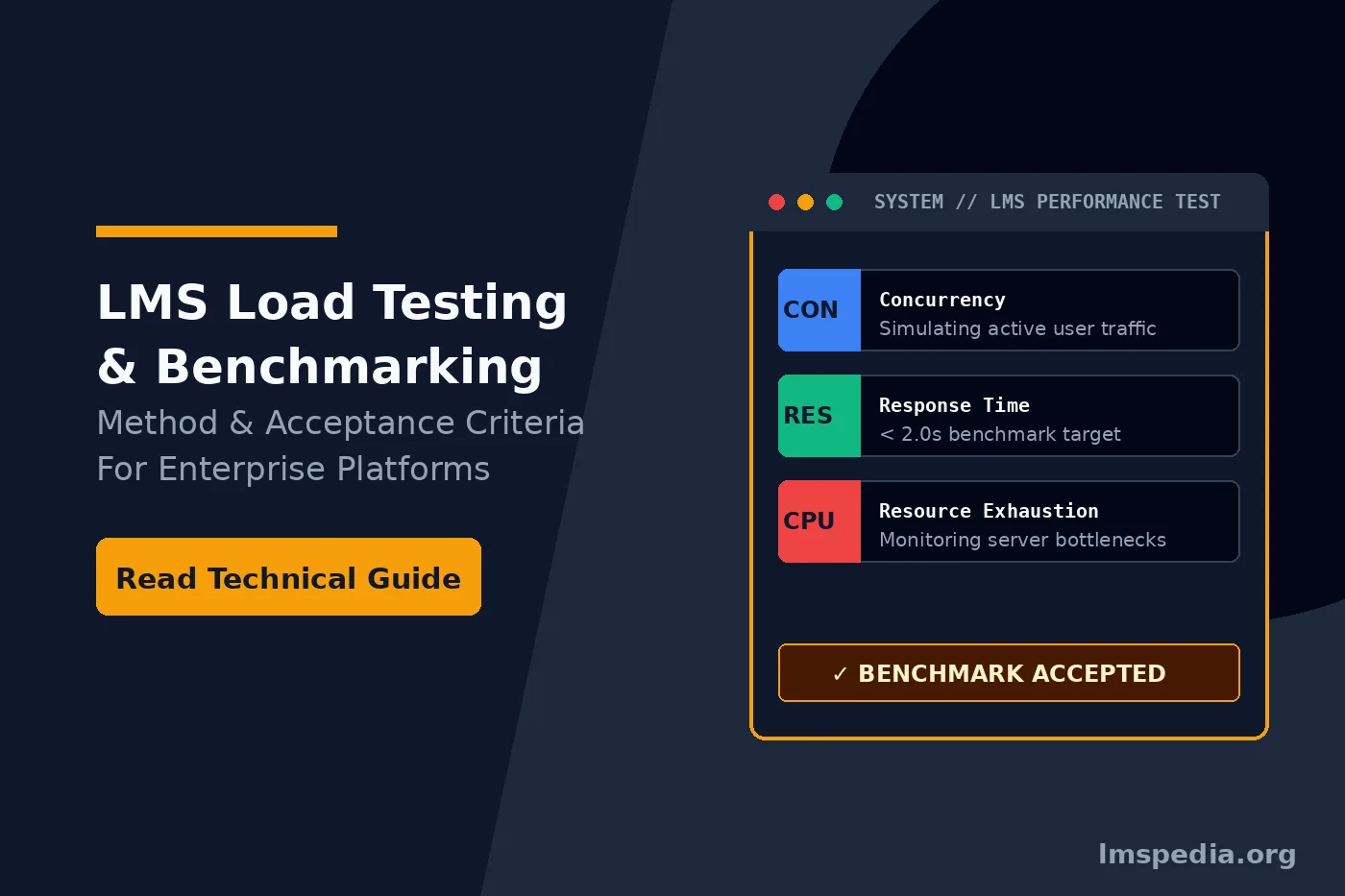
Establish a formal acceptance criteria matrix requiring sub-2.0-second response times, error rates below 0.5%, and CPU utilization capped at 70% during peak anticipated loads.
Deconstructing Performance Testing Terminology
Before designing a testing architecture, engineering teams must differentiate between distinct types of performance evaluations. Using these terms interchangeably leads to flawed testing parameters and false confidence in system stability.
- Load Testing: This process evaluates how the LMS performs under anticipated, real-world peak traffic conditions. The goal is to ensure response times remain within acceptable limits during normal high-volume events.
- Stress Testing: Unlike load testing, stress testing deliberately pushes the system far beyond its anticipated capacity until it breaks. The objective is to identify the exact breaking point, observe how the system fails (gracefully or catastrophically), and determine if the database recovers without data corruption.
- Endurance (Soak) Testing: This test applies a sustained, moderate load over an extended period (e.g., 24 to 72 hours). It specifically hunts for memory leaks, database connection pool exhaustion, and gradual degradation in server performance that short tests miss.
- Spike Testing: This simulates an instantaneous, massive surge in user traffic, such as an entire organization logging in simultaneously following a CEO’s emergency broadcast email.
Calculating True Concurrency: The Mathematics of Load
The most common error in any lms stress test plan involves miscalculating user volume. Business leaders frequently confuse “registered users” with “concurrent users.” If a global enterprise has 50,000 registered employees, simulating 50,000 simultaneous logins will instantly crash almost any standard server cluster. Real-world traffic does not behave this way.
To design an accurate concurrent users lms test, you must understand the distinction between active sessions and concurrent requests.
An active session occurs when a user logs in and navigates the platform. However, a user reading a PDF document or watching a 10-minute video generates zero active load on the server after the initial asset delivery. True concurrency refers to the exact number of users sending active HTTP requests to the database at the exact same millisecond. In standard enterprise environments, concurrent requests typically represent only 5% to 10% of active sessions.
To forecast your anticipated traffic accurately before provisioning testing servers, administrators should utilize rigorous training demand forecasting models. By analyzing historical LMS data alongside corporate growth projections, IT teams can calculate peak session volumes during specific compliance windows, enabling highly precise load test configurations.
Architecting the LMS Stress Test Plan
A testing protocol is only as effective as its blueprint. Executing random login scripts against a server provides useless data. A formal lms stress test plan must document the exact scope, environment, and user journeys under evaluation.
1. Environment Replication
You must never run aggressive load tests against a live production server, as doing so will disrupt active learners and potentially corrupt live training records. Instead, you must provision a dedicated staging environment. Critically, this staging environment must mirror the production architecture exactly. If your production environment uses a load balancer, three application nodes, and a dedicated database server, your staging environment must possess identical hardware, memory allocations, and network configurations.
2. Defining User Journeys (Transaction Flows)
Real users do not just ping the homepage. They execute complex database transactions. Before scripting these flows, analysts should leverage modern training needs assessment tools to understand exactly which departments will access the system simultaneously and what courses they will interact with. A standard testing script must replicate these precise behaviors:
- Authentication: Logging into the system (which heavily taxes the database and external SSO integrations).
- Dashboard Rendering: Loading the user’s customized learning path, which requires complex database queries to calculate completion percentages.
- Content Delivery: Launching a SCORM package or streaming a video asset.
- Assessment Submission: Submitting a 50-question quiz simultaneously. This is the most critical transaction, as database write-locks during quiz submissions are the leading cause of LMS crashes.
Technical Execution: JMeter LMS Testing Frameworks
While numerous commercial tools exist, Apache JMeter remains the undisputed industry standard for web application load testing due to its open-source flexibility and highly programmable nature. Executing effective jmeter lms testing requires advanced scripting to bypass standard security protocols designed to block automated bots.
First, JMeter scripts must handle dynamic tokens. Modern learning platforms utilize CSRF (Cross-Site Request Forgery) tokens and unique session IDs for every user. A basic recorded script will fail instantly upon replay because the server will reject the stale, hardcoded session ID. Test engineers must use JMeter’s Regular Expression Extractors to parse the dynamic token from the server’s initial response and inject it into subsequent HTTP requests dynamically.
Second, the testing framework must simulate realistic user pacing. If a JMeter script executes a login, launches a course, and submits a quiz within 300 milliseconds, it creates an artificial, impossible server load. Engineers must insert “Think Timers” (Gaussian Random Timers) between requests to simulate the time a human takes to read a screen, move a mouse, and click a button. Generally, a 5 to 15-second think time between page requests provides a highly accurate simulation of human behavior.
Establishing the LMS Performance Benchmark and Acceptance Criteria
Before launching the test, IT stakeholders and business leaders must agree on what constitutes a successful system. An lms performance benchmark translates technical server metrics into acceptable business outcomes. If the system passes the load test but takes twelve seconds to load a video, the learner experience is ruined, and the test should be considered a failure.
| Metric Category | Specific Benchmark Target | Failure Threshold / Corrective Action |
|---|---|---|
| Response Time (95th Percentile) | < 2.0 seconds for standard page loads. < 4.0 seconds for complex reporting dashboards. |
If 95% of requests exceed 3.0 seconds, investigate database indexing or lack of Redis caching. |
| Transaction Error Rate | < 0.5% error rate under peak anticipated load. | Any error rate above 1% (HTTP 500/503 errors) indicates severe server exhaustion or application pool crashing. |
| CPU Utilization | Peak CPU should remain below 70% during standard load testing. | Sustained CPU above 85% requires immediate horizontal scaling (adding more application nodes). |
| Memory Utilization | Memory should stabilize and remain below 80%. No upward creeping (memory leak). | If memory hits 95% and forces server swapping, application code requires urgent review and patching. |
When selecting a core platform architecture, organizations must evaluate how the underlying codebase handles these specific scaling metrics. Open-source or heavily customizable platforms handle database clustering very differently from multi-tenant SaaS solutions. For a deep architectural comparison of how different systems manage enterprise load, review our analysis of Open LMS vs Totara Learn.
Analyzing Bottlenecks and Remediation Strategies
When an LMS fails a load test, simply throwing more RAM or CPU cores at the server rarely solves the root problem. Performance testing usually uncovers hidden architectural bottlenecks that require precise engineering remediation.
Database Deadlocks and Administrative Overload
The most common point of failure in an LMS is the relational database (MySQL, PostgreSQL, or SQL Server). During a massive concurrent quiz submission event, hundreds of users attempt to write data to the exact same database table simultaneously. Poorly optimized databases will lock the table, causing a massive queue of pending transactions that eventually crashes the application server.
Furthermore, concurrent administrative reports put immense strain on the database. Restricting who can run massive enterprise-wide compliance reports during peak hours requires strict governance. To mitigate this risk, IT teams must securely architect clear LMS user roles and permissions, ensuring only essential personnel can execute heavy SQL queries during high-traffic windows.
Caching Architecture Failures
If your web server queries the database every time a user requests the company logo or the homepage layout, the system will collapse under load. Effective platforms utilize aggressive in-memory caching systems, such as Redis or Memcached. When JMeter tests reveal high database CPU usage but low web server CPU usage, it almost always indicates a failure in the caching layer.
Third-Party API Throttling
Modern learning ecosystems rely on external integrations. When 5,000 users log in, the LMS must authenticate 5,000 users against the central HR directory (like Azure AD or Okta) via Single Sign-On (SSO). Frequently, the LMS can handle the load, but the external HR system limits API requests to prevent DDoS attacks, rejecting the logins. Automated identity management is crucial for security, but it must be tuned for volume. To understand the underlying mechanics of these identity connections, review how SCIM protocols manage automated user provisioning and why API rate limits matter during high-traffic events.
Continuous Performance Testing in CI/CD Pipelines
Ultimately, lms load testing is not a one-time project executed before the initial launch. Software environments evolve continuously. Every time your vendor releases a major version upgrade, every time your internal team adds a new custom plugin, and every time you migrate to a new cloud hosting provider, the underlying performance characteristics of the system change.
Enterprise IT teams must integrate performance testing directly into their Continuous Integration and Continuous Deployment (CI/CD) pipelines. By automating baseline JMeter scripts to run against the staging environment automatically every weekend, administrators can detect performance degradation before it ever reaches the live production environment.
Conclusion
Assuming that a Learning Management System will scale simply because it resides in the cloud is a catastrophic operational risk. True enterprise stability requires mathematical precision, rigorous staging, and aggressive testing. By executing a formal lms stress test plan and establishing an uncompromising lms performance benchmark, IT departments shift from reactive firefighting to proactive architectural mastery.
Whether you utilize complex jmeter lms testing frameworks or rely on managed hosting services, simulating a highly accurate concurrent users lms test is the only proven method to guarantee platform resilience. When the critical compliance deadline arrives and thousands of employees hit the server simultaneously, a thoroughly tested architecture ensures seamless delivery, protecting both organizational compliance and enterprise credibility.
FAQ
Q1. What is the main difference between LMS load testing and stress testing?
Load testing measures how well the LMS performs under the expected peak traffic (e.g., normal compliance deadlines). Stress testing intentionally overwhelms the system beyond expected capacity to find its breaking point and determine if it fails gracefully without corrupting database records.
Q2. How do you calculate concurrent users for an LMS load test?
Concurrent users are those making an active HTTP request to the server at the exact same millisecond. While you may have 10,000 active sessions (logged-in users), usually only 5% to 10% (500 to 1,000) are truly concurrent, as users spend most of their time reading or watching content without pinging the server.
Q3. How do you calculate concurrent users for an LMS load test?
Concurrent users are those making an active HTTP request to the server at the exact same millisecond. While you may have 10,000 active sessions (logged-in users), usually only 5% to 10% (500 to 1,000) are truly concurrent, as users spend most of their time reading or watching content without pinging the server.
Q4. Why is Apache JMeter commonly used for LMS performance testing?
JMeter is an open-source, highly programmable tool that can simulate thousands of users executing complex, multi-step transaction flows. It excels at managing dynamic session tokens, handling cookies, and providing deep statistical reporting on server response times.
Q5. What is an acceptable LMS performance benchmark for page load speed?
Industry standard dictates that the 95th percentile of all standard page requests should render in under 2.0 seconds. Complex administrative dashboards or heavy reports may be acceptable at under 4.0 seconds, provided the error rate remains near zero.
Q6. Why do Learning Management Systems often crash during quizzes?
Quizzes generate massive concurrent database “write” requests. If hundreds of users submit a quiz at the exact same moment, poorly optimized relational databases lock the tables to prevent data collision. This creates a transaction queue bottleneck that rapidly exhausts server memory and crashes the application.

