
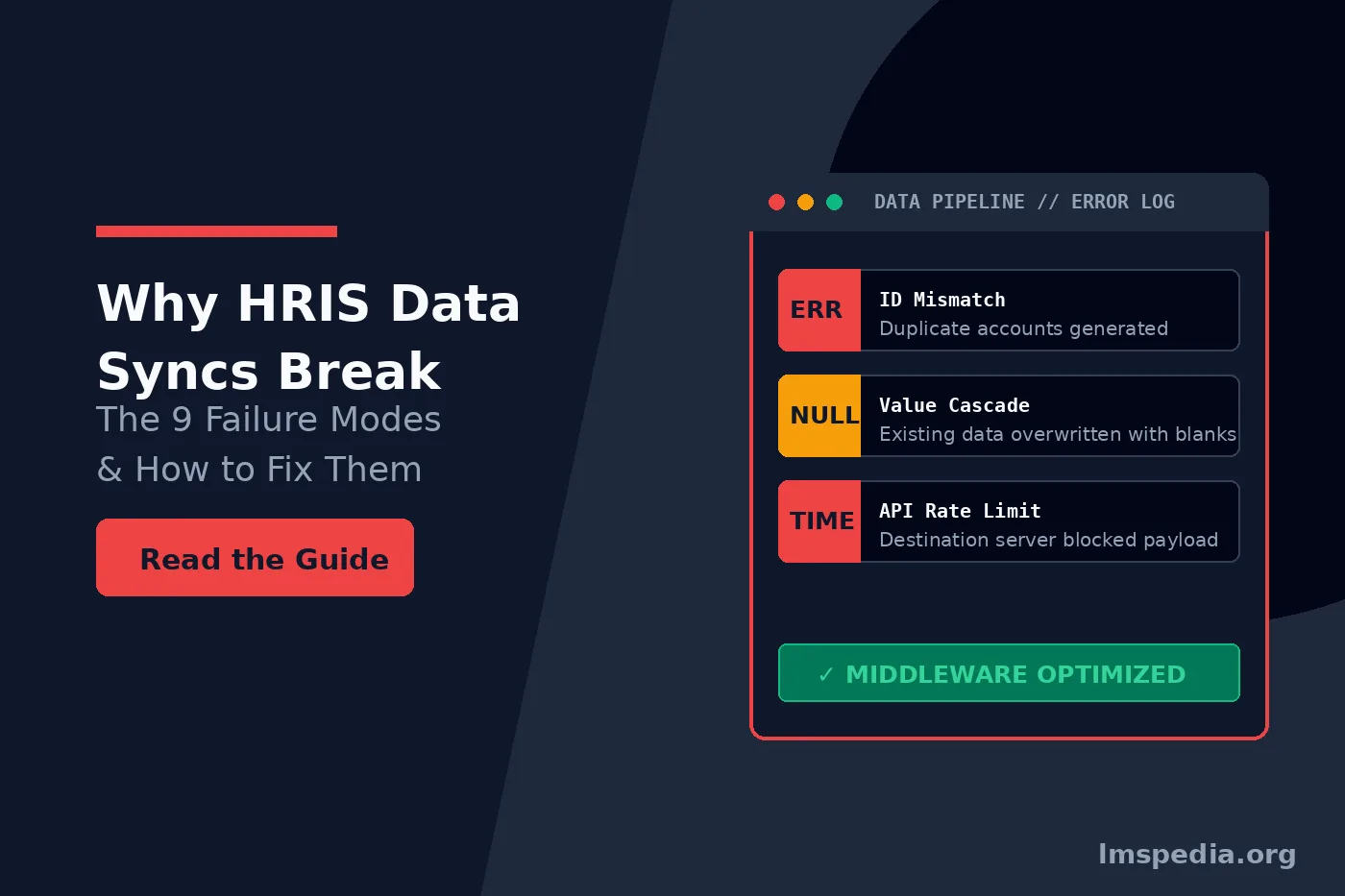
Enterprise organisations rely heavily on seamless automated data exchange to manage their workforce effectively. When integrating a Human Resources Information System with a Learning Management System, IT administrators expect flawless user provisioning and automated enrollment workflows. Unfortunately, severe hris data sync issues routinely disrupt these onboarding processes, lock employees out of critical compliance training, and corrupt historical learning records entirely. In this guide, we will explore exactly why these hris data sync issues happen and how to resolve them permanently.
Understanding exactly why these architectural connections fail requires moving beyond basic API documentation. HRIS integration failures rarely stem from total platform outages. Instead, they occur due to microscopic discrepancies in how two different databases format, validate, and interpret identical information. To maintain a stable enterprise environment, systems architects must identify these common employee data sync errors proactively and design robust middleware solutions to handle them.
Before diagnosing your specific data pipeline, it is critical to ensure your destination platform is actually configured to receive automated user feeds. For guidance on selecting highly compatible enterprise infrastructure, review our comprehensive breakdown of the best training management software on the market. Furthermore, if your sync failures are causing regulatory gaps, you must audit your records immediately by following our OSHA training documentation compliance checklist. Let us explore the exact technical reasons why your integration keeps breaking.
Key Takeaways

Establish Immutable Identifiers:
Never use email addresses as your primary synchronization key. Always map your integrations using a permanent, immutable Employee ID number to prevent duplicate accounts.
Standardize Global Formatting:
Date formats, time zones, and character encoding must be strictly standardized across both platforms to prevent rejected payloads and corrupted text characters.
Implement API Throttling:
Prevent destination server crashes by utilizing intelligent middleware to batch and throttle massive data dumps during high volume hiring seasons.
Protect Historical Records:
Configure your sync to toggle a user’s active status rather than permanently deleting their profile. This ensures you never lose critical historical compliance data upon employee termination.
Utilize Proactive Error Logging:
Design your architecture to catch and report data mapping failures instantly. Automated error alerts allow administrators to fix minor discrepancies before they cause widespread integration outages.
The Anatomy of HR Data Mapping Problems
Every automated integration relies on a concept called data mapping. This process dictates that a specific field in your HR software must correspond directly to a specific field in your learning platform. For example, the “First Name” field in Workday must map directly to the “Given Name” field in your LMS.
While this sounds incredibly simple in theory, the practical application generates massive hr data mapping problems daily. The sending system might allow alphanumeric characters in a specific field, while the receiving system strictly requires numerical integers. When the data payload hits the destination server, the system rejects the entire user profile instantly. Identifying these strict validation rules is the absolute cornerstone of a stable hris lms sync architecture.
The 9 Critical Failure Modes Causing HRIS Data Sync Issue
When an automated user sync fails, it almost always falls into one of nine distinct technical categories. By understanding these specific failure modes, IT administrators can build customized error handling protocols to prevent widespread data corruption.
1. The Unique Identifier Mismatch
The most devastating failure mode involves unique identifiers. Every system requires a primary key to identify a user accurately. Many organizations mistakenly use email addresses as their primary key. When an employee gets married and changes their last name, HR updates their email address. The LMS sees this new email address and assumes it is a completely brand new employee. It creates a duplicate account, leaving the employee’s historical training records stranded on the old profile. You must always use an immutable, permanent Employee ID number as your primary sync key.
2. Date and Time Zone Formatting Errors
Systems built in different regions process dates differently. An HRIS configured in Europe might send a hire date formatted as DD/MM/YYYY. An LMS configured in the United States expects MM/DD/YYYY. If HR sends a hire date of 10/11/2026 meaning November 10th, the LMS will register it as October 11th. This specific error completely breaks automated enrollment rules that trigger courses based on exact hire dates.
3. Case Sensitivity and Whitespace Corruption
Human data entry frequently introduces invisible errors. An HR manager might accidentally add a trailing space after an employee’s last name. If the receiving database is strictly case sensitive or does not automatically trim whitespace, it will treat “Smith ” differently than “Smith”. This leads to rejected API payloads and failed user updates.
4. API Rate Limiting and Timeout Drops
When a massive enterprise hires five hundred seasonal workers in a single day, the HRIS attempts to send five hundred new profiles to the LMS simultaneously. Most software platforms employ strict API rate limits to prevent server crashes. If the integration attempts to push too much data too quickly, the receiving server will block the connection completely. Middleware must throttle these massive payloads into manageable, staggered batches to prevent critical hris data sync issues entirely.
5. The Null Value Cascade
Sometimes, an HR field is left intentionally blank. If the integration is not designed to recognize null values correctly, it might overwrite existing good data in the LMS with a blank space. For example, if a manager temporarily leaves the company, their “Supervisor ID” field might become null in HR. The sync pushes this null value to the LMS, instantly removing the manager’s access to all their direct reports’ training records.
| Failure Mode | Primary Root Cause | Architectural Solution |
|---|---|---|
| Duplicate Accounts | Using email addresses instead of static Employee IDs. | Map the primary key to a permanent internal numerical ID exclusively. |
| Rejected Payloads | Data type mismatches between the sending and receiving fields. | Implement middleware to transform data types before delivery. |
| Timeout Drops | Exceeding the destination server API rate limits. | Configure staggered batch processing for large data dumps. |
| Hierarchical Breaks | Missing or mismatched Manager ID references. | Enforce strict dependency rules for supervisory data fields. |
Utilize a Staging Environment
Never connect a brand new HRIS directly to your live production LMS environment. Always route your initial API connection through a secure staging sandbox. Run a full synchronization with dummy data to identify mapping errors and null value cascades before they corrupt your actual employee compliance records.
6. Department and Hierarchy Restructuring
Organizations restructure their departments frequently. If HR renames the “Sales” department to “Global Revenue”, the LMS might not recognize the new string of text. If the LMS relies on exact text matching to assign mandatory sales training, the newly renamed department will not receive their required courses. Administrators must map departments using static ID codes rather than dynamic text names.
7. Character Encoding Discrepancies
Global workforces require systems capable of processing special characters and accents perfectly. If the HRIS sends data using UTF-8 encoding but the LMS database only accepts ASCII, names containing special characters will become corrupted immediately. An employee named “François” might appear in the LMS as “Fran?ois”, causing massive confusion during compliance audits.
8. Orphaned Records and Termination Delays
When an employee is terminated, HR updates their status to inactive. However, if the sync runs only once every twenty four hours, a terminated employee might retain full access to proprietary corporate training materials for an entire day. Furthermore, if the sync simply deletes the user instead of archiving them, you lose all their historical training data permanently. You must configure the sync to strictly toggle the “Active” status without deleting the underlying database row.
9. The Infinite Loop Trigger
Bidirectional syncs cause the most complex hris data sync issues imaginable. If the HRIS sends a user update to the LMS, and the LMS is configured to send course completion statuses back to the HRIS simultaneously, they can trigger an infinite update loop. To understand how learning platforms package and transmit completion statuses correctly, review our foundational guide answering what is SCORM. For more advanced troubleshooting regarding completion statuses, explore our detailed breakdown of SCORM 1.2 vs SCORM 2004 differences.
Designing Resilient HRIS LMS Sync Architectures
Preventing these massive hris integration failures requires abandoning simple point to point connections. Modern enterprise ecosystems require intelligent middleware to translate, throttle, and sanitize data before it ever reaches the destination database.
Implementing Middleware and Webhooks
Instead of relying on a nightly flat file transfer, utilize dynamic webhooks. A webhook allows the HRIS to send a tiny, instant notification to the LMS the exact second an employee’s profile changes. This ensures that new hires gain access to their mandatory onboarding courses immediately. For organizations looking to modernize their data pipelines completely beyond legacy standards, exploring advanced interoperability is essential. Read our comprehensive SCORM vs xAPI guide to understand how modern data lakes handle complex organizational information.
Establishing Strict Error Handling Protocols
Even the most perfectly designed architecture will encounter occasional anomalies. Your integration must feature a robust error handling protocol. When a data payload fails validation, the system should not simply drop the record silently. It must generate an automated alert detailing the exact field that failed and email the IT integration team immediately. This proactive logging allows administrators to correct minor employee data sync errors before they snowball into massive compliance violations.
Conclusion
Mastering a flawless integration between your core organizational systems requires meticulous attention to technical detail. By recognizing the nine primary hris data sync issues, IT administrators can stop reacting to broken profiles and start designing resilient infrastructures. You must establish strict primary keys, standardize your date formats globally, and utilize intelligent middleware to handle API throttling flawlessly. Eliminating persistent hr data mapping problems guarantees that your overarching hris lms sync operates smoothly, ensuring your employees always have immediate, secure access to the educational resources they need to succeed.
FAQ
Q1. Why does my HRIS create duplicate accounts in the LMS?
Duplicate accounts almost always occur because the integration uses an email address as the primary identifier. When an employee’s email address changes due to a name change or department transfer, the receiving system assumes they are a brand new user and creates a secondary account.
Q2. What is a null value cascade in an HR integration?
A null value cascade happens when a blank field in the HR system is synchronized to the LMS, accidentally overwriting existing valid data with nothing. This frequently breaks supervisory hierarchies if a manager’s ID field is temporarily left blank in the HR database.
Q3. How do I prevent API rate limit timeouts during large data syncs?
To prevent server timeouts during massive employee updates, you must employ middleware that staggers the data delivery. Instead of pushing five hundred records at once, the middleware batches the records into smaller groups and sends them incrementally.
Q4. Why are employees not receiving their department specific training automatically?
If your LMS relies on exact text matching for department names, a slight spelling change in the HRIS will break the enrollment rule completely. You should always map organizational hierarchies using static numerical department IDs rather than dynamic text strings.
Q5. What is the best way to handle terminated employees in a data sync?
Your data sync should never completely delete a user profile from the learning management system. Instead, the sync must be configured to simply change the user’s status to inactive. This immediately revokes their system access while permanently preserving their historical training and compliance records for future audits.

